How it works
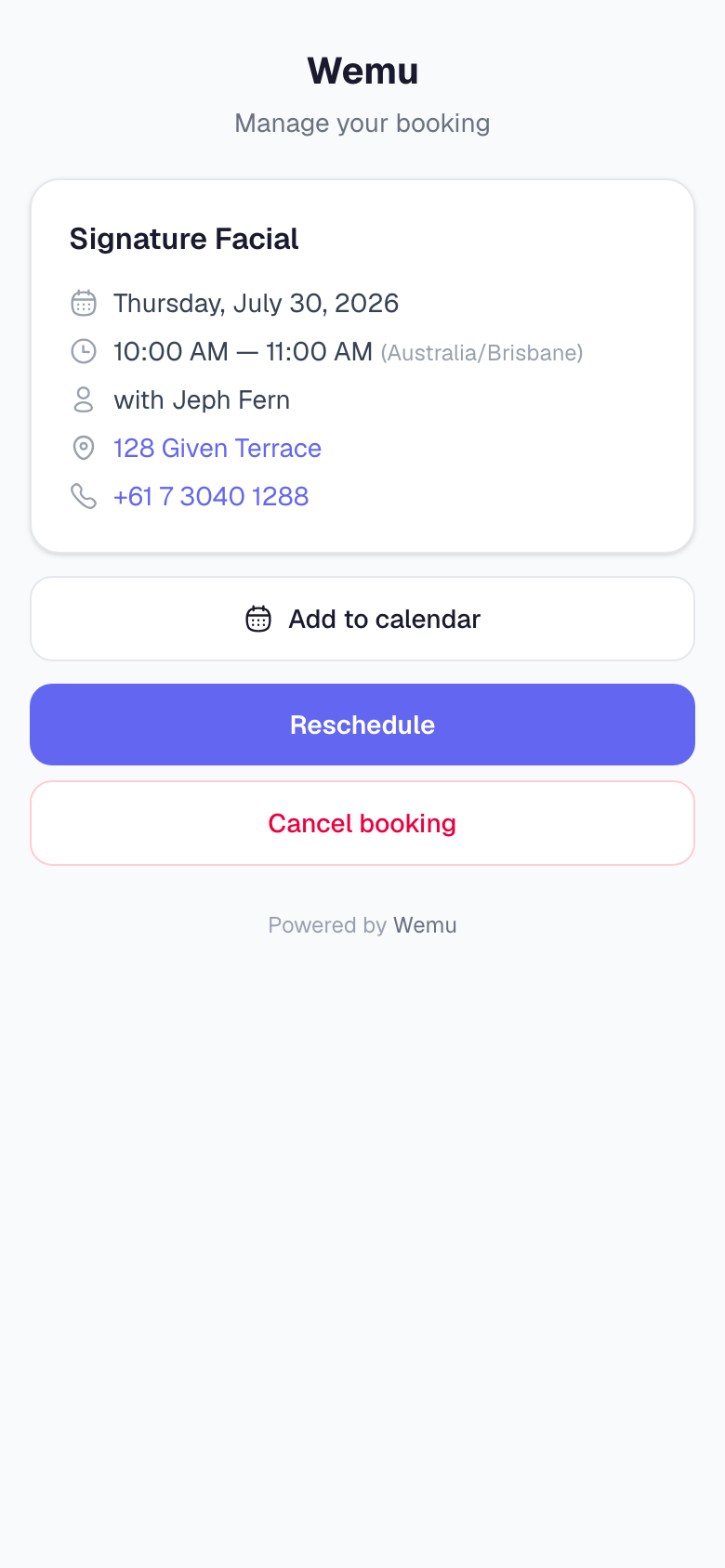
When a customer books a one-to-one appointment online, their confirmation email has a Manage booking button, and their confirmation and reminder texts end with a Manage: link. It opens a page about that one booking, with no login needed.
What customers can do
- See the service, date and time, who it's with, and your address and phone number
- Add to calendar: download a calendar file for Apple, Google or Outlook
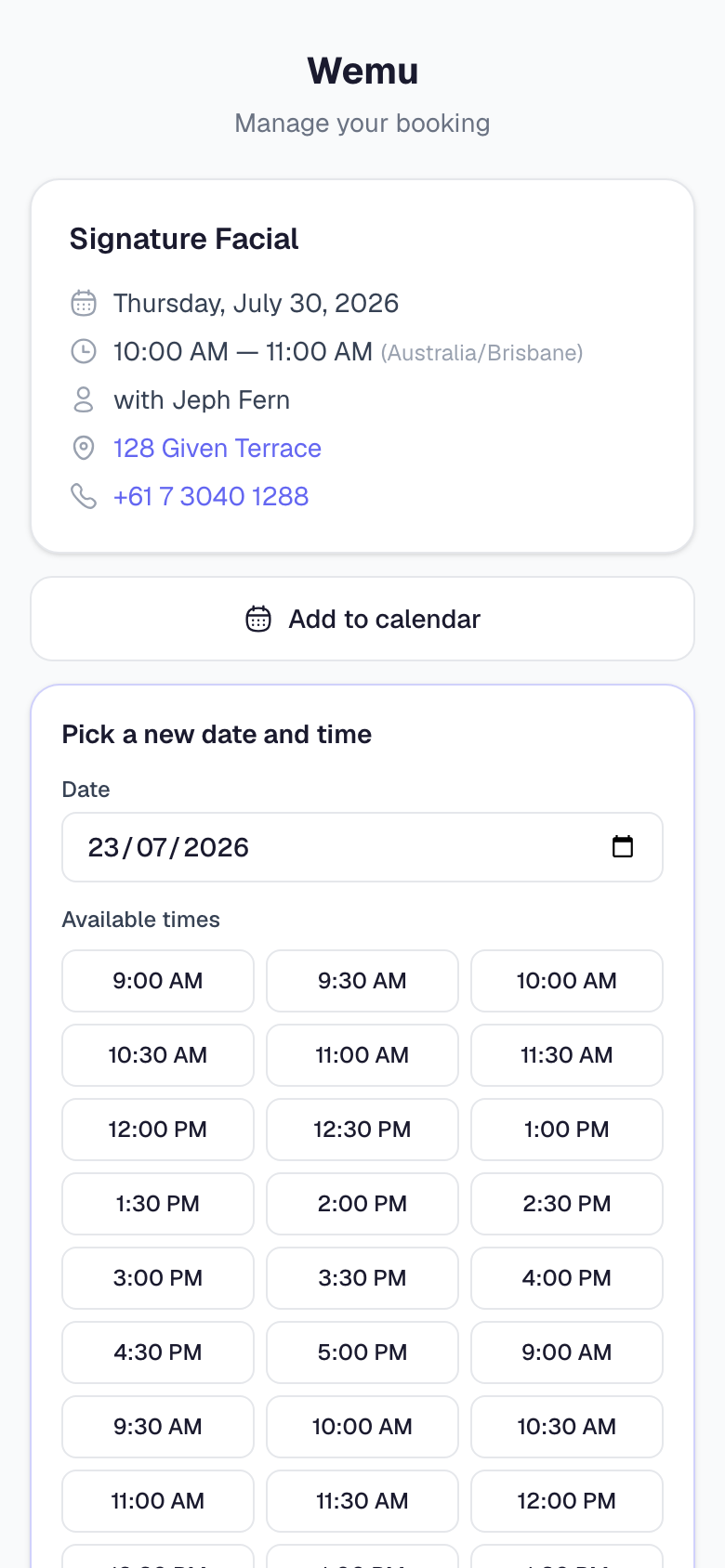
- Reschedule: pick a new date and choose from the times you have free
- Cancel booking, with an optional reason
- Pay a deposit or the balance, when the booking has one. See No-shows, customer flags and deposits.
The 24-hour cutoff
Customers can reschedule or cancel up to 24 hours before the appointment. After that, the page says changes need 24 hours' notice and shows your phone number so they can call you. You can't change the 24 hours yet.
The Cancellation Policy text in Settings → Storefront → Policies is what customers read on your page. It doesn't change the cutoff.
When a customer reschedules
- The booking moves to the new time. The same checks as a new booking apply, so they can only pick a time you're free.
- They get an email confirming the new time, and a text with the new time and their link when you send texts.
- The person they're booked with gets a notification in the Wemu Team app, or the owner and managers do when nobody's assigned.
When a customer cancels
- The booking is cancelled and the time opens up again.
- They get an email confirming it, and a Book again button takes them back to your page.
- Your team gets the same notification as for a reschedule.
- A deposit is refunded when they cancel in time: card deposits automatically, and you're reminded to return a transfer yourself.
Turning it off
Navigate to: Settings → Storefront → Bookings → Online cancellation & rescheduling
Switch it off and new confirmations go out without the link. Anyone who opens an older link is told online changes aren't available and asked to call you.
Good to know
- Class bookings don't include the link, because one class is shared by everyone in it.
- The link only opens that one booking. It doesn't sign the customer in to anything else.
Tip: Keep the link on. Customers who can reschedule themselves are less likely to simply not turn up.