Where it is
Navigate to: Sidebar → Messages
The page has two tabs:
- Team chat: channels and direct messages with your team, including the Wemu AI channel
- Customer SMS: text conversations with your customers
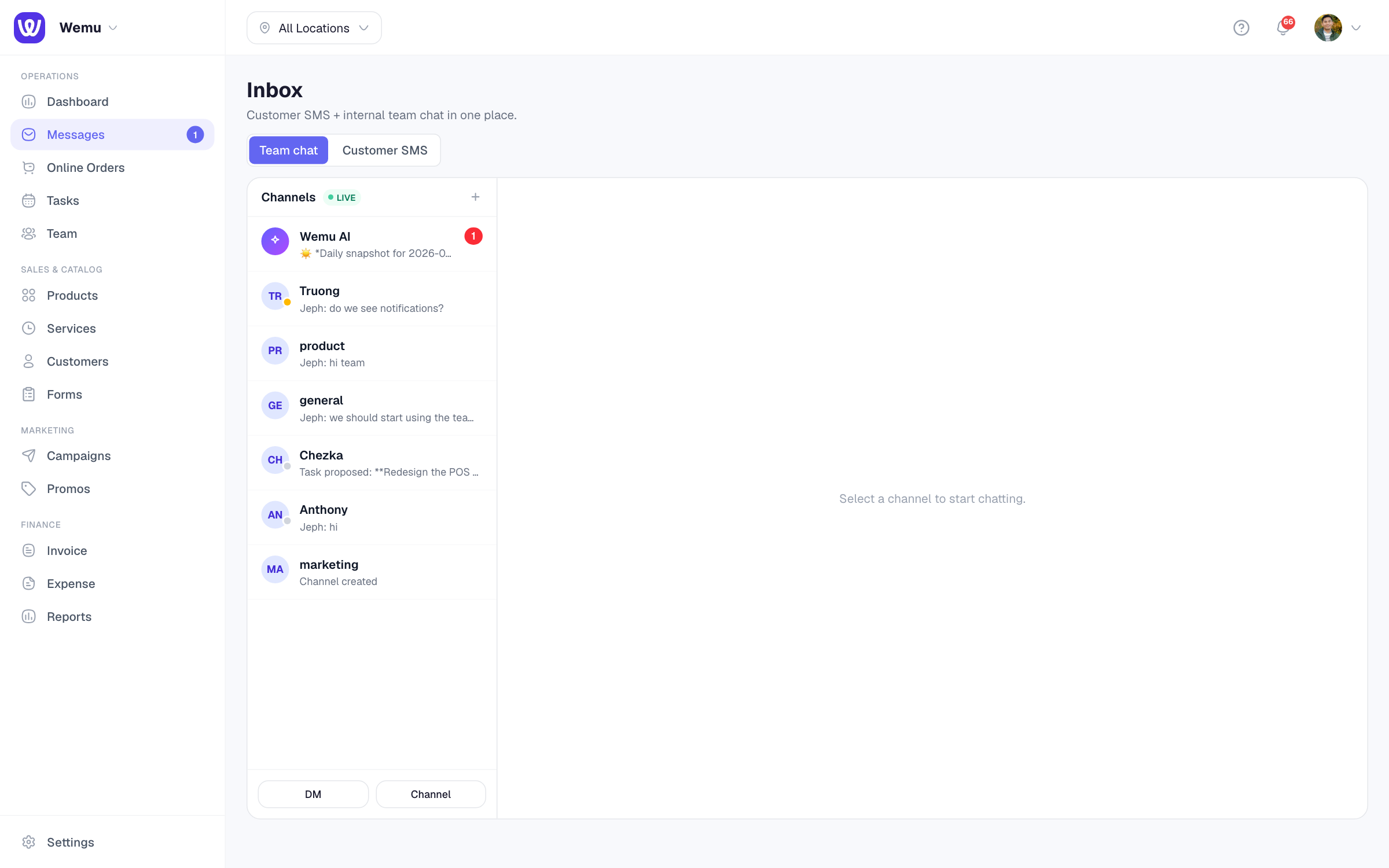
Customer conversations
Each phone number is one conversation, holding the texts Wemu sent (booking confirmations, reminders, campaigns, messages from a customer's page) and the customer's replies, in order.
The list shows the customer's name, linked to their record, or the number if they aren't in your customers, with the latest message, when it arrived, and an unread count. Search by name, phone number or message.
The list checks for new messages every few seconds, so there's no need to reload.
Replying
- Open a conversation
- Type your reply. Enter sends it; Shift+Enter starts a new line.
Under the box, Wemu shows what the text will cost, such as "Costs 4 credits (AU)". Replies use your SMS credits; see SMS credits and packs. A reply is blocked if you're out of credits, have no SMS pack, or the customer has opted out, and the message shows why.
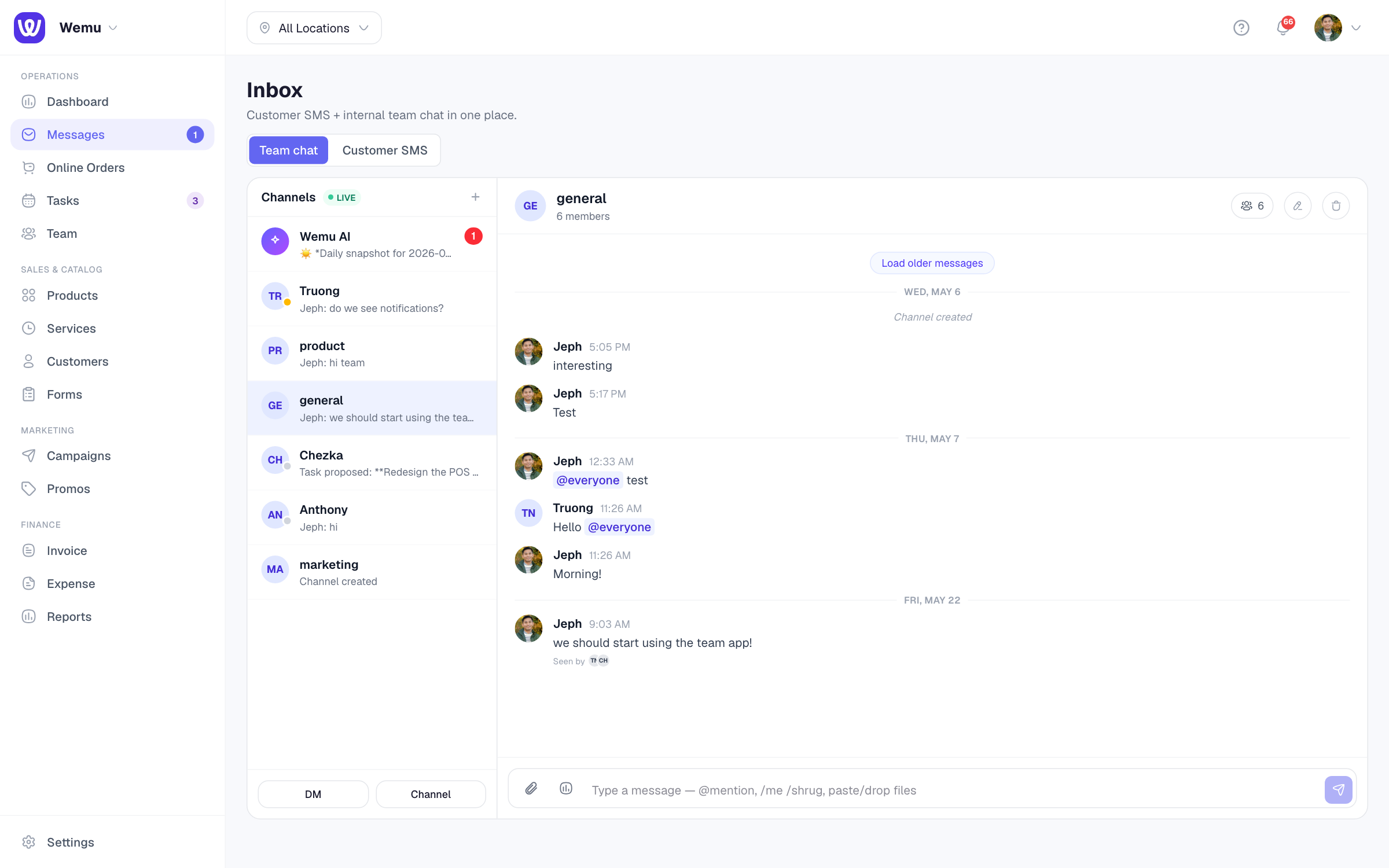
Starting a conversation
Messages has no new-message button. Open the customer in Customers, press Message on their Activity card and choose SMS. The conversation then carries on in Customer SMS. See Customer profiles.
When customers can reply
A customer can only text back when your messages come from a phone number. In Australia and the Philippines, texts usually come from Wemu's shared sender name, which can't receive replies. See Setting up SMS.
Opt-outs
A customer who replies STOP stops every text from your business, booking texts included, until they reply START. See Marketing consent, unsubscribes and quiet hours.
Tip: Reply from Messages rather than your own phone, so the whole conversation stays on the customer's record.