Set up a basic discount code
The fastest path to your first promo:
Navigate to: Sidebar → Marketing → Promos → New code
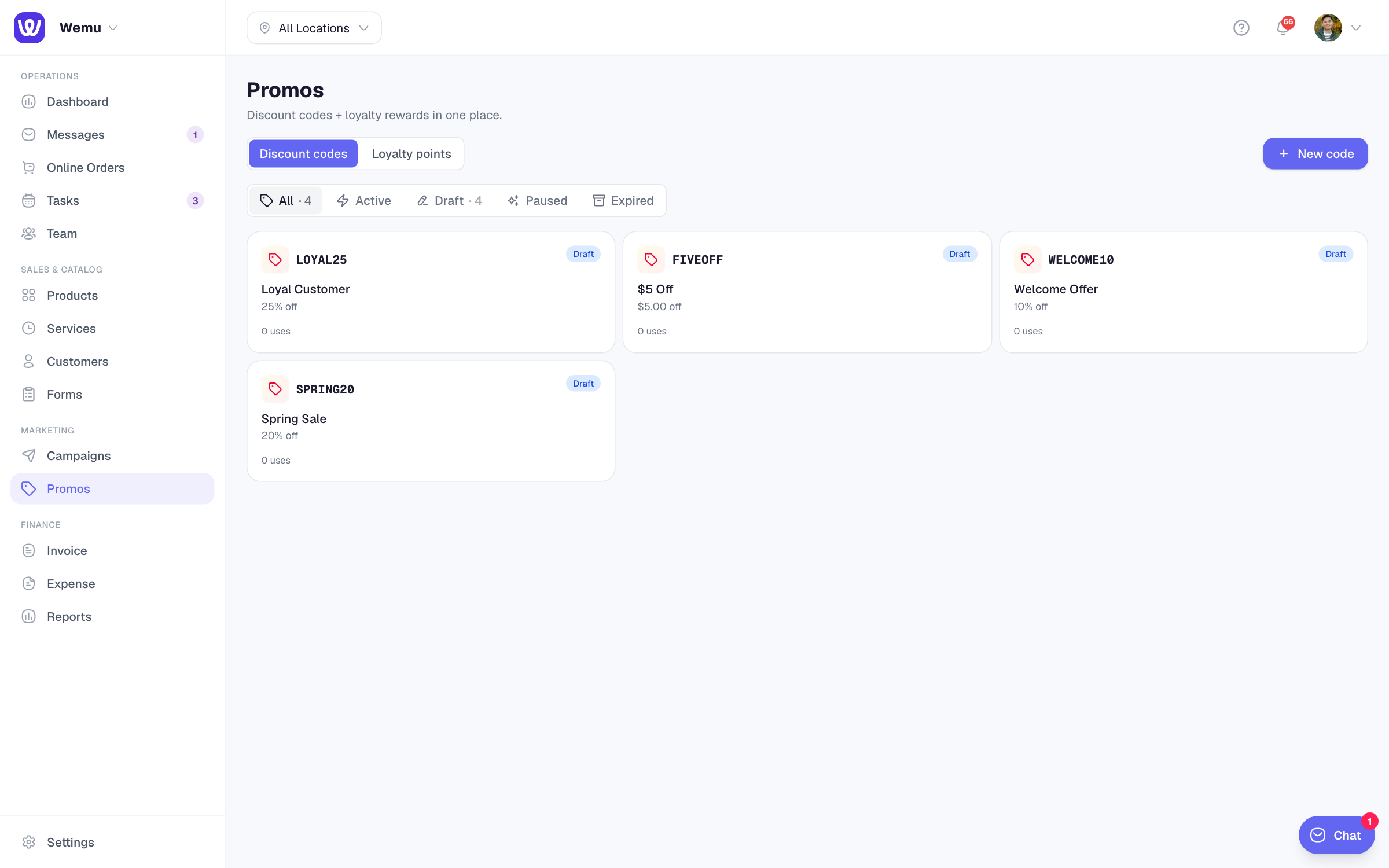
- Name — internal label for your team (e.g., "Spring sale 2026")
- Code — what the customer types at checkout (e.g., "SPRING20"). Auto-uppercased; case-insensitive at checkout.
- Type — pick one of:
- % off — percentage discount
- $ off — fixed amount discount
- BOGO — buy X, get Y at a discount or free
- Discount value — for %, e.g., 20 (= 20% off). For $, e.g., 10.00 (= $10 off).
- Status — set to Active to make it live immediately, or Draft to save without enabling.
- Click Create promo.
See it in action
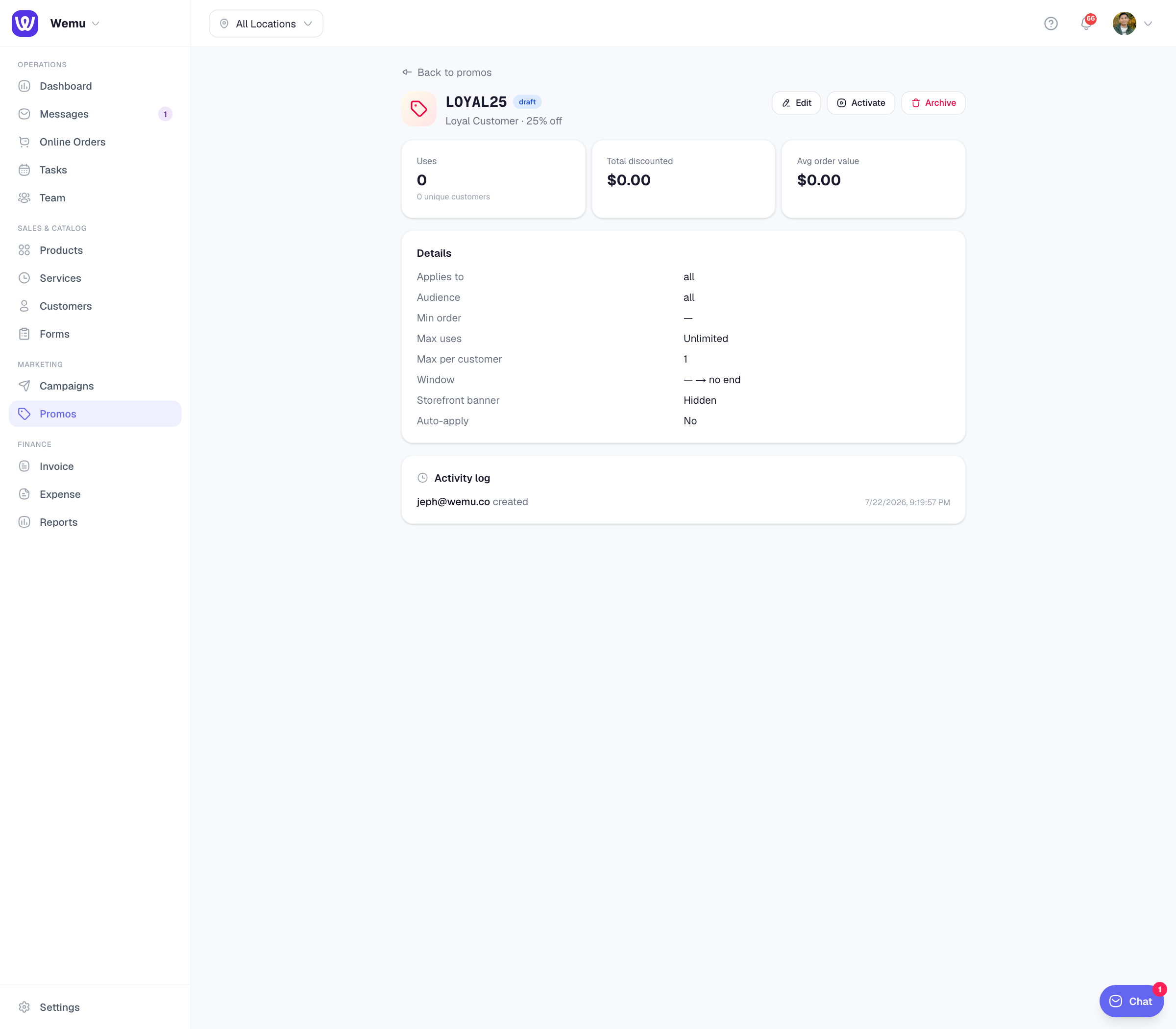
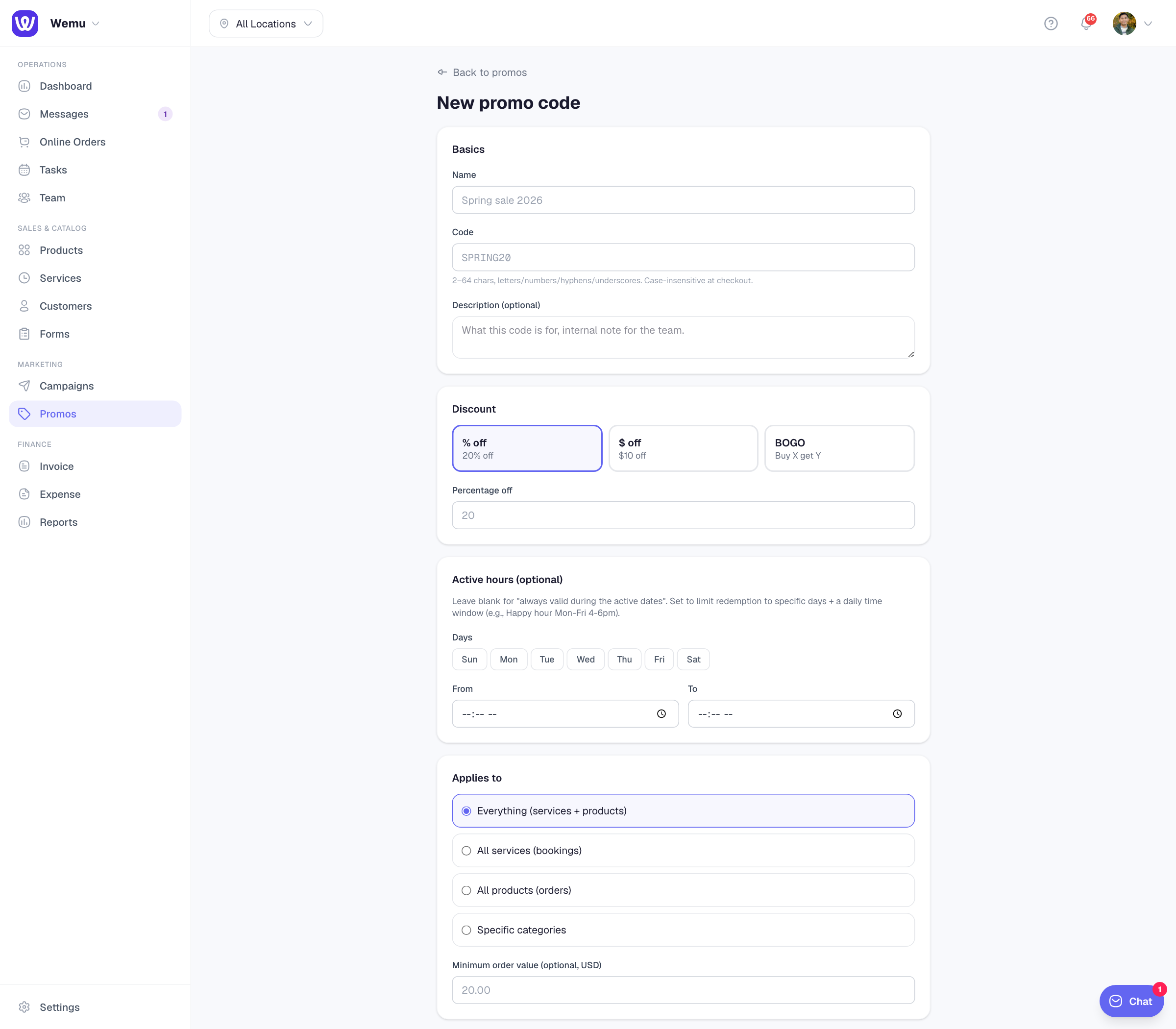
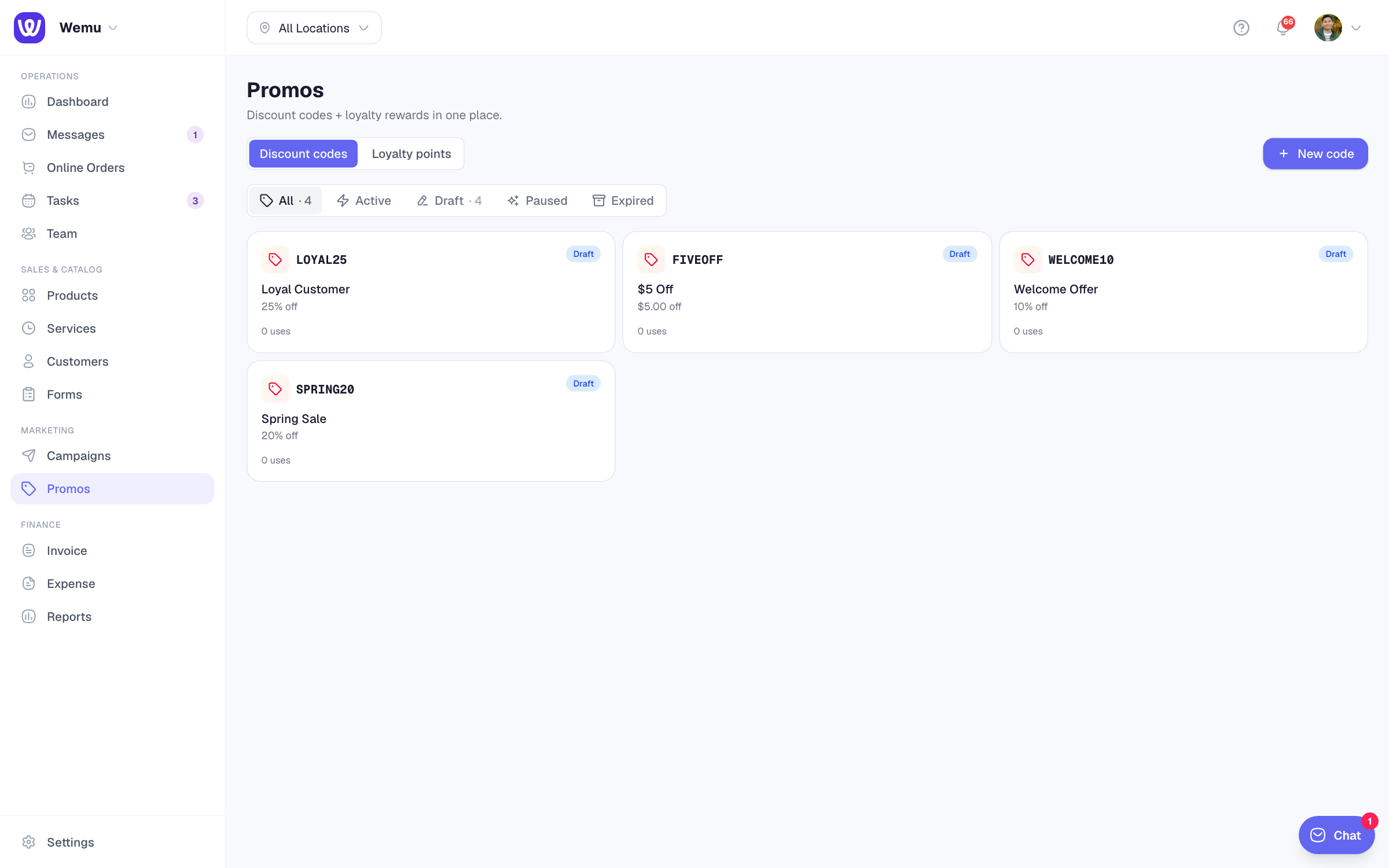
After saving, the promo appears in your list with status, redemption count, and total discounted amount. Click the card to see the detail page with the activity log showing you as the creator.
Test the code at checkout
Open your public storefront (`/p/yourslug`) → pick a service or product → at checkout, paste the code into the "Have a code?" field → confirm. The discount applies, the booking/order goes through, and the redemption is logged.
Audit log
Every change to a promo — created, edited, paused, activated, archived — is logged with the user who did it and the exact field-level diff. Open the promo detail and scroll to Activity log to see history.