The two-dimensional model
Every promo answers two questions:
- What does it apply to? (services, products, categories, specific items, or everything)
- Who can redeem it? (everyone, new customers, returning, VIPs, inactive, birthday month, or specific customers)
You can mix and match freely. Examples:
- "30% off first haircut for new customers" — Service: haircut, Audience: new
- "Free latte for VIPs over $500 lifetime spend" — Product: latte, Audience: VIP
- "We miss you 20% off" — All bookings, Audience: inactive 60+ days
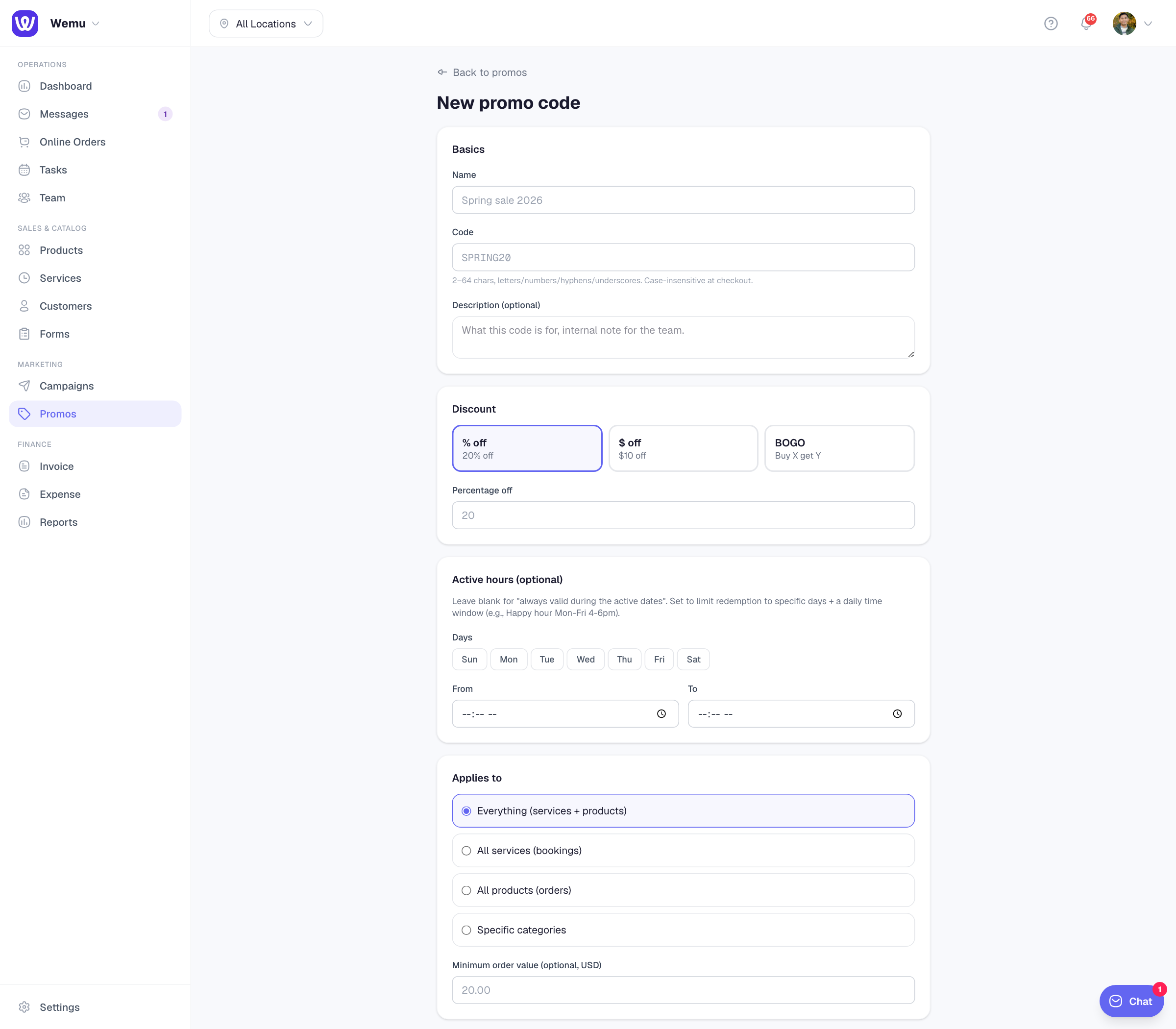
"Applies to" options
- Everything — all services + all products
- All services — bookings only (rejects product carts)
- All products — orders only (rejects booking carts)
- Specific categories — comma-separated category names (e.g., "hair, color, treatments")
- Min order value — set a floor like $20
If you set a category-specific promo, the cart must contain at least one item in that category to qualify.
Audience options
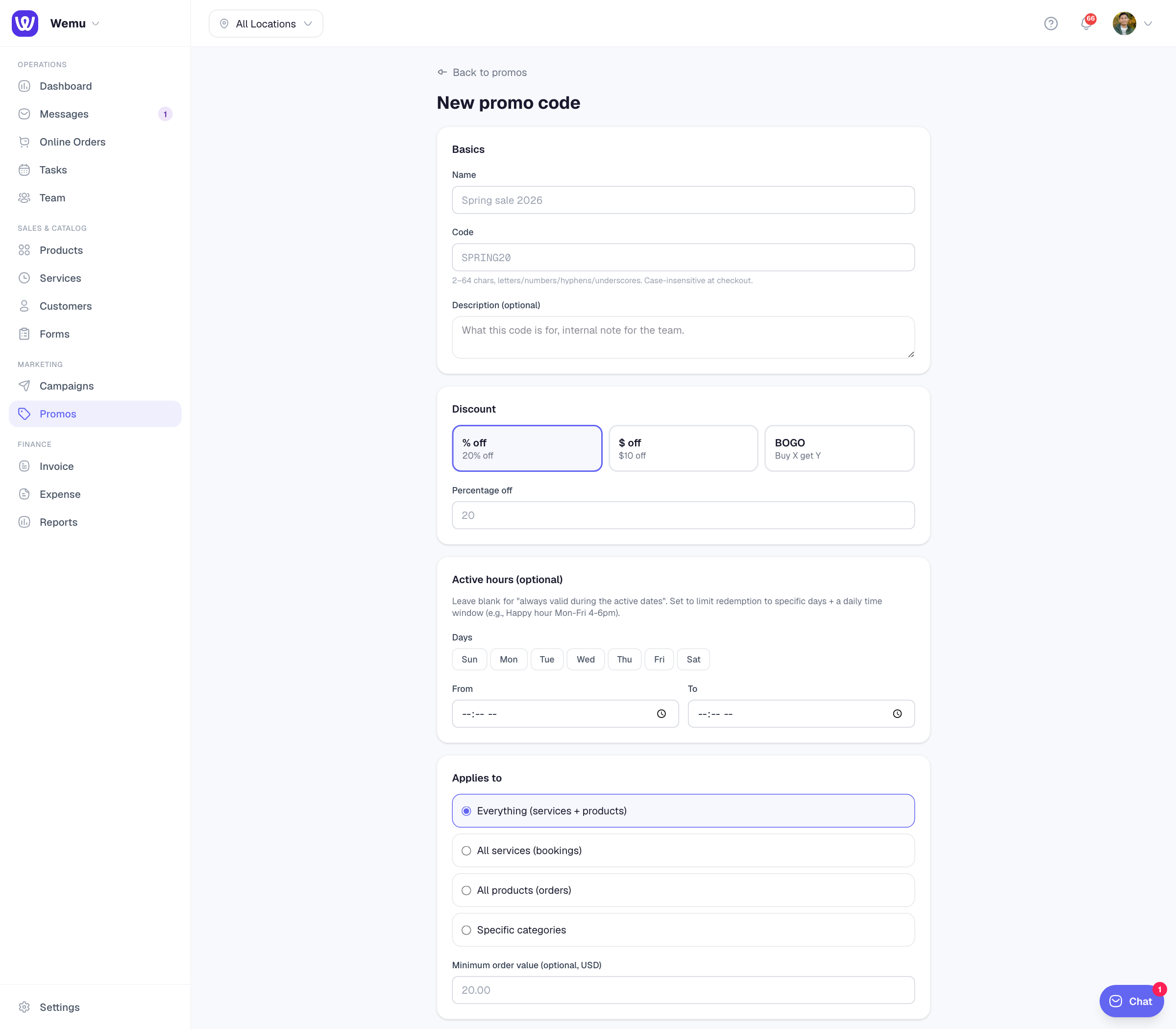
- Everyone — no restriction (default)
- New customers — first booking or order ever with your business
- Returning customers — has at least one prior order
- VIP — lifetime spend exceeds the threshold you set (in USD)
- Inactive — hasn't ordered in N+ days (you set the days)
- Birthday month — customer's birth month equals the current month
Audience checks happen at the moment of redemption. If a customer was VIP last week but dropped below the threshold today, their attempt to use a VIP code today fails.
Limits
- Max total uses — code stops working after N redemptions (leave blank for unlimited)
- Max per customer — same customer can only redeem N times
- Date window — start/end dates outside which the code is rejected with a friendly error
Specific-customer codes
For personal codes (e.g., "I owe Jeph a free haircut"), pick Audience: Specific customers and select the customer from your list. Only they can redeem.
A future release will support sending the code as a private magic link via SMS so customers don't have to type it.