When to use time-window restrictions
Use them when you want to drive demand into off-peak slots:
- Happy hour: Mon-Fri, 4pm-6pm, 20% off all drinks
- Tuesday Tune-up: Every Tuesday, 15% off mechanic services
- Slow Sunday: Sundays only, free coffee with any booking
The promo is automatically rejected at checkout outside the window — you don't have to remember to pause/unpause.
Configure on any promo: Promo create/edit → "Active hours" card
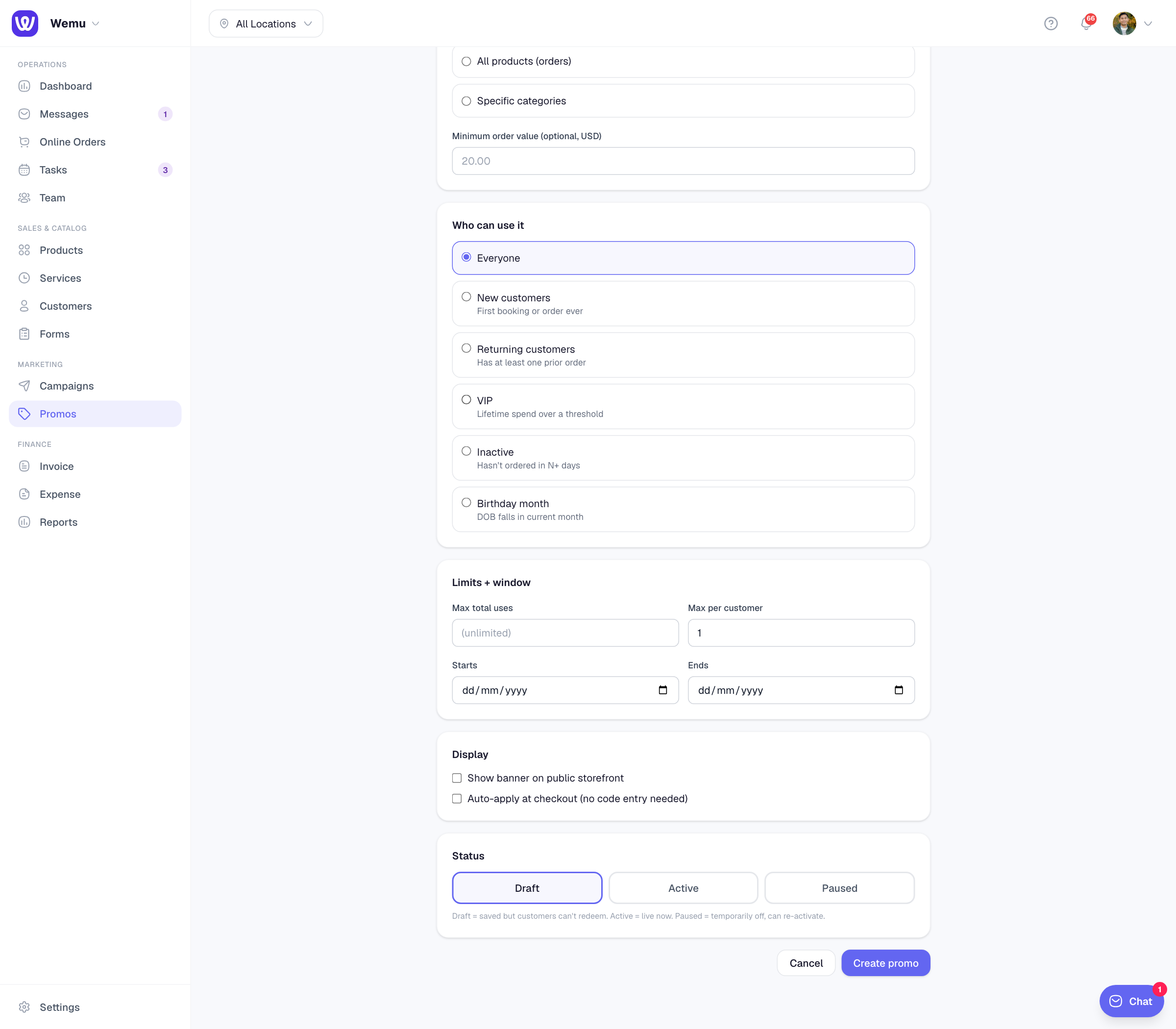
How to set it up
- Days — tap one or more day pills (Sun, Mon, Tue, Wed, Thu, Fri, Sat). Empty = all days valid.
- From — start time in 24-hour format (e.g., 16:00 for 4pm). Empty = no start restriction.
- To — end time (e.g., 18:00 for 6pm). Empty = no end restriction.
Combine freely:
- Days only: valid all day on selected days
- Time only: valid every day during selected hours
- Both: valid only on selected days during selected hours
Time zones
Times are evaluated in your business's timezone (set in Settings → Business). A customer's local time doesn't matter — what matters is the time at the business.
So a Sydney café running "happy hour 4-6pm" gives the discount to a customer browsing from London at 7am Sydney time → rejected because it's 7am at the business, not 4-6pm.
What customers see
Outside the window, the code is rejected with a specific message:
- Wrong day: "This code is only valid on certain days of the week."
- Wrong time: "This code is only valid during certain hours."
Combine with the active dates range to layer constraints — e.g., "Spring break specials, Mon-Fri 4-6pm, between April 1 and May 31."
Examples
Happy hour: Days = Mon-Fri, From = 16:00, To = 18:00
Weekend brunch: Days = Sat-Sun, From = 09:00, To = 14:00
Late-night menu: Days = Thu-Sat, From = 22:00, To = 02:00 (note: midnight wrap-around isn't supported yet — split into two promos if you need this)