Why invoice numbering matters
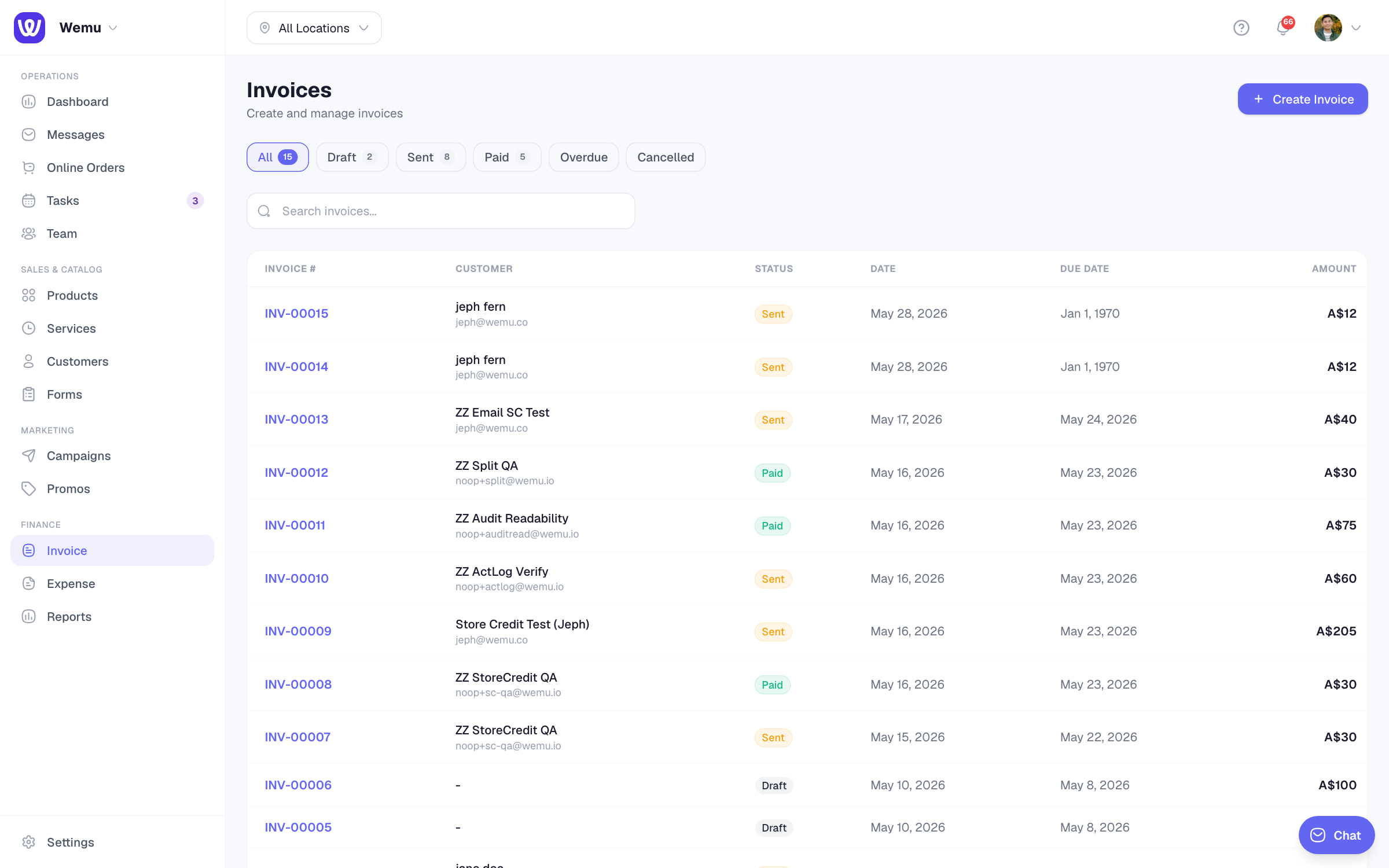
Sequential invoice numbers help you stay organized, meet accounting requirements, and make it easy to reference specific invoices. Most tax authorities require invoices to have unique, sequential numbers.
Navigate to: Settings → Invoicing → Invoice Number section
How auto-numbering works
Wemu automatically assigns the next number in the sequence every time you create a new invoice. You don't need to think about it — the number is generated for you.
Configuring the number format
- Go to Settings > Invoicing
- Find the Invoice Number section
- Set your preferred format:
- Prefix — Text that appears before the number (e.g., "INV-", "WM-")
- Starting number — The first number in the sequence (e.g., 1001)
- Padding — How many digits to display (e.g., 4 digits makes "0001")
Screenshot: The invoice number configuration with prefix, starting number, and padding fields
The invoice number configuration with prefix, starting number, and padding fields
Example formats
- INV-0001, INV-0002, INV-0003...
- WM-1001, WM-1002, WM-1003...
- 2024-001, 2024-002, 2024-003...
Changing the sequence
If you need to adjust the next number (for example, if you're migrating from another system and want to continue from a specific number):
- Go to Settings > Invoicing
- Update the Next Number field
- Save
All future invoices will continue from the new number.
Can I manually set an invoice number?
Yes. When creating an invoice, you can override the auto-generated number by tapping the invoice number field and typing a custom one. However, this is not recommended for regular use since it can create gaps or duplicates in your sequence.
Tip: Choose your numbering format before sending your first invoice and stick with it. Changing formats mid-stream creates inconsistency in your records. If you're starting a new business, a simple format like "INV-0001" works well.
Year-based numbering
Some businesses reset their invoice numbers each year. You can achieve this by including the year in your prefix (e.g., "2024-") and resetting the starting number at the beginning of each year.