Tasks, bookings and jobs in Wemu
Wemu has three ways to organize work: tasks, bookings and jobs. You choose one under Task Type when you press New task. Understanding the difference helps you use the right tool for each situation.
Navigate to: Sidebar → Tasks → New task
What is a booking
A booking is a scheduled appointment or class tied to a service. It has:
- A specific date and time
- A service being performed
- A provider (team member)
- A customer who booked it
- A duration based on the service
Bookings are created when customers book through your public profile or when you manually add an appointment. They show up on your calendar and in the provider's schedule.
What is a job
A job is a job order: work for a customer, often at their place, done by one or more of your team. It has:
- A customer and a service address
- One or more assignees (the people going)
- A date and time and a duration
- Job lines for labour, parts and services, which add up to its price
- A status and an optional checklist (subtasks)
When the work is done, Create invoice turns the job lines into an invoice. See Running a service job.
What is a task
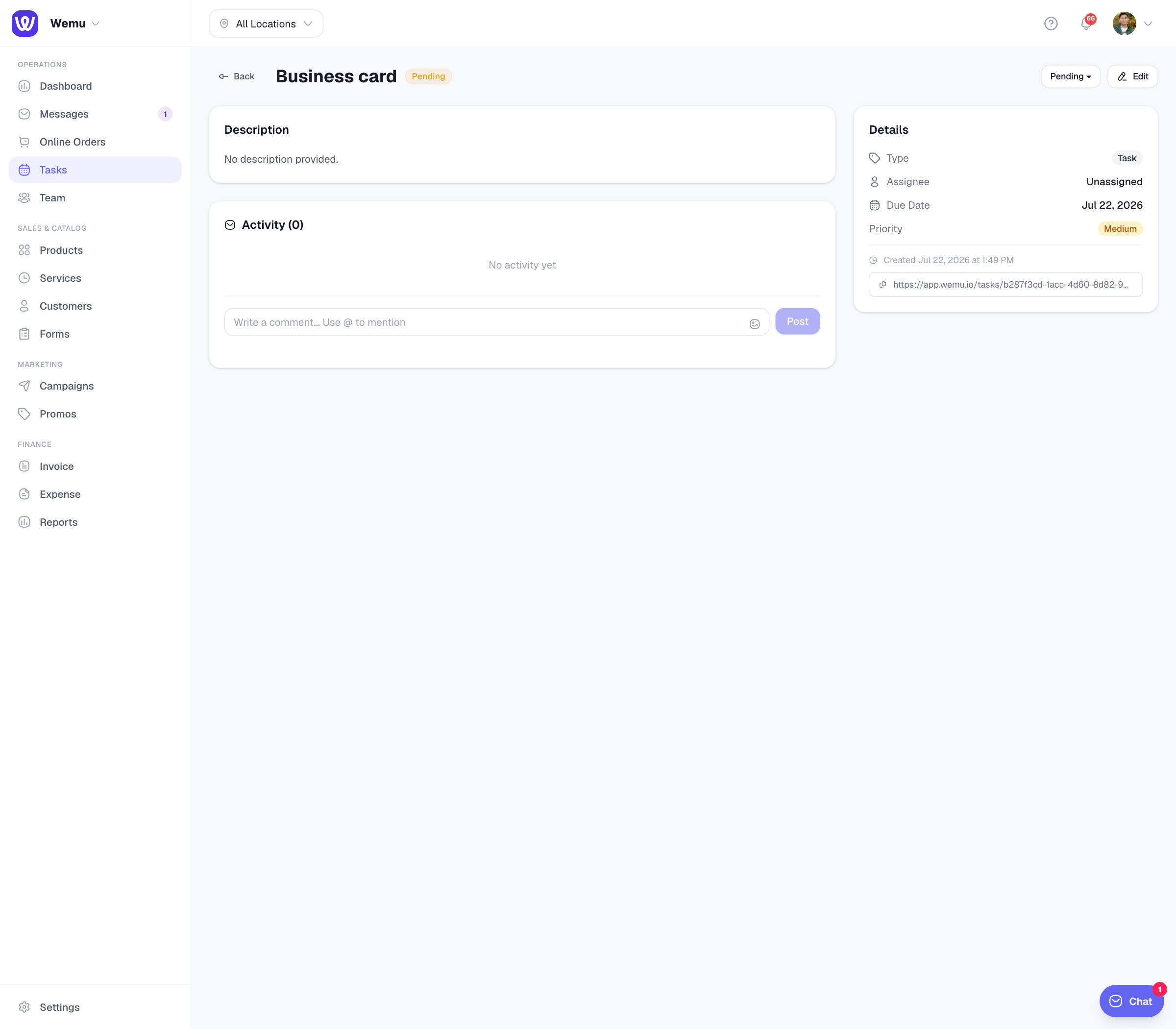
A task is a unit of work that needs to get done. It has:
- A title and optional description
- An assignee (who's responsible)
- A status (Pending, In Progress, Review, Completed)
- An optional due date
- Optional subtasks
Tasks are more flexible than bookings. They don't have to be tied to a specific time slot or customer.
When to use bookings
Use bookings when:
- A customer is scheduling a service
- The work happens at a specific time
- It involves a service from your catalog
- You need to track availability and prevent double-booking
When to use jobs
Use jobs when:
- The price depends on the work, like a repair, an installation, or a cleaning with extras
- More than one person goes
- Parts are used or need ordering
- You bill with an invoice rather than at the till
When to use tasks
Use tasks when:
- You need to assign internal work to your team
- The work doesn't have a fixed time (e.g., "Restock shelves by Friday")
- You want to break work into subtasks
- You need to track progress through stages (Kanban board)
Tip: Think of bookings and jobs as customer-facing and tasks as team-facing. A customer books a haircut (booking), a technician goes out to repair an aircon (job), and cleaning the shop at the end of the day is a task.
Can they overlap?
Yes. A booking might generate related tasks. For example, a catering booking might create tasks like "Prepare menu", "Buy ingredients", and "Set up venue." You can link tasks to bookings to keep everything connected.
Ask Wemu AI: "book Sarah in with Anna on Friday at 3" or "move my 2pm to 4". It makes and moves bookings the way New task → Booking does and refuses a clash; it can also comment on tasks and archive completed ones. Cancelling a booking is for owners, admins and managers. See What Wemu AI can do.