Why categories matter
Categories help you organize your product catalog so you and your team can find items quickly. They also help customers browse your public profile shop more easily.
Navigate to: Sidebar → Products → Categories tab
Creating a category
- Go to Products and tap the Categories tab
- Tap + Add Category
- Enter a category name (e.g., "Beverages", "Haircare", "Electronics")
- Optionally add a description and choose a color
- Tap Save
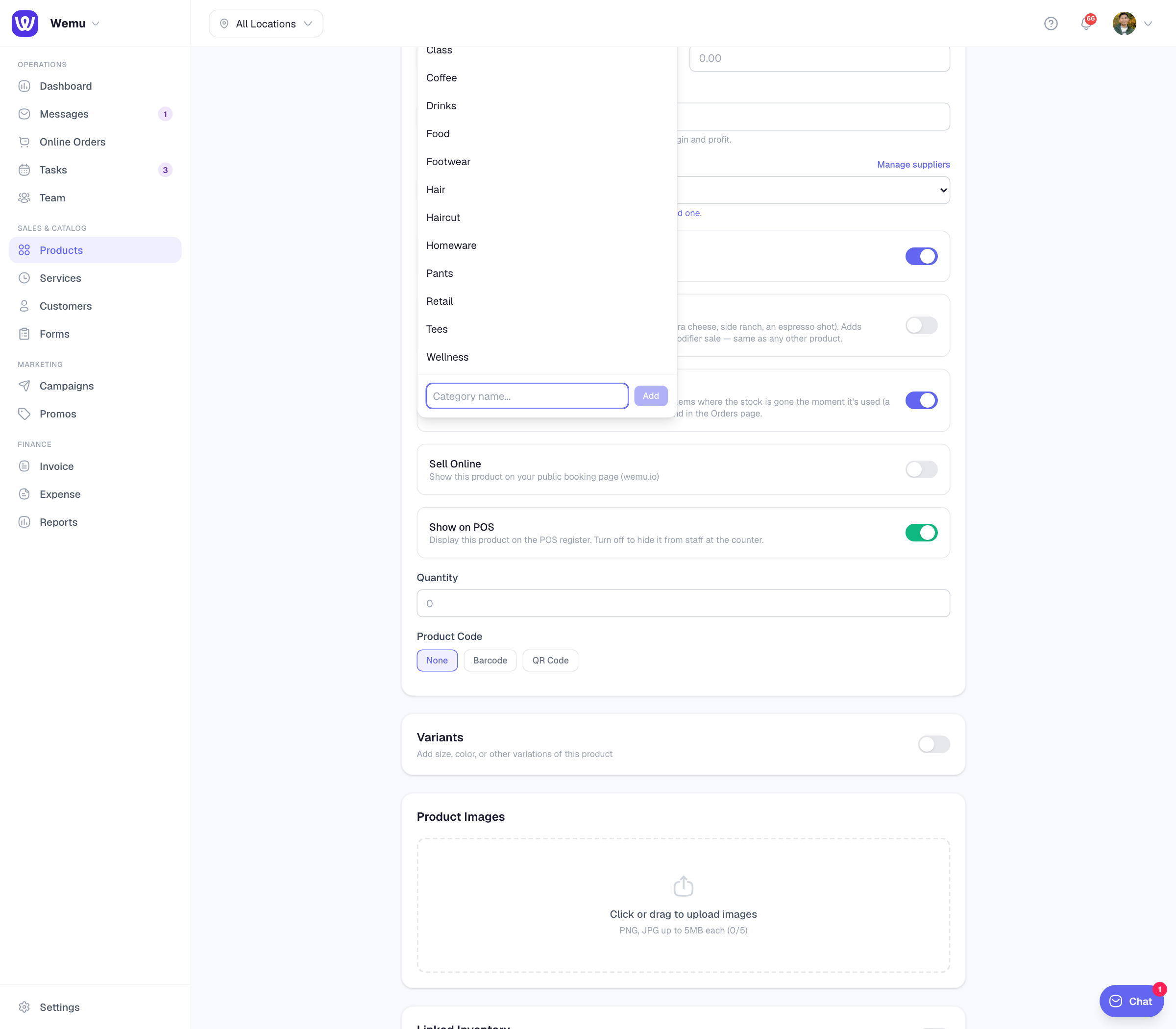
Assigning products to categories
You can assign a category when creating a product, or update it later:
- Open any product from the catalog
- Tap the Category field
- Select from existing categories or create a new one inline
- Save the product
Filtering by category
On the Products screen, you can filter the catalog by category to quickly narrow down what you see. This is especially helpful when you have a large inventory.
- Tap the category filter dropdown at the top of the product list
- Select one or more categories
- The list updates instantly to show only matching products
Editing and deleting categories
To edit a category name or color, go to the Categories tab, tap on the category, and make your changes. If you delete a category, the products in it won't be deleted — they'll simply become uncategorized.
Tip: Keep your category names short and clear. Customers will see these on your public profile, so "Drinks" is better than "All Beverage Items Including Specials."
Best practices
- Use broad categories rather than overly specific ones
- Aim for 5-15 categories for most businesses
- Review and clean up unused categories periodically
- Consider how categories appear to customers on your public shop
Ask Wemu AI: "add a Pastries category", "put Pastries under Food" or "send Drinks to the bar station". It can also hide a category. Deleting one is for owners, admins and managers, and the items in it are kept. See What Wemu AI can do.