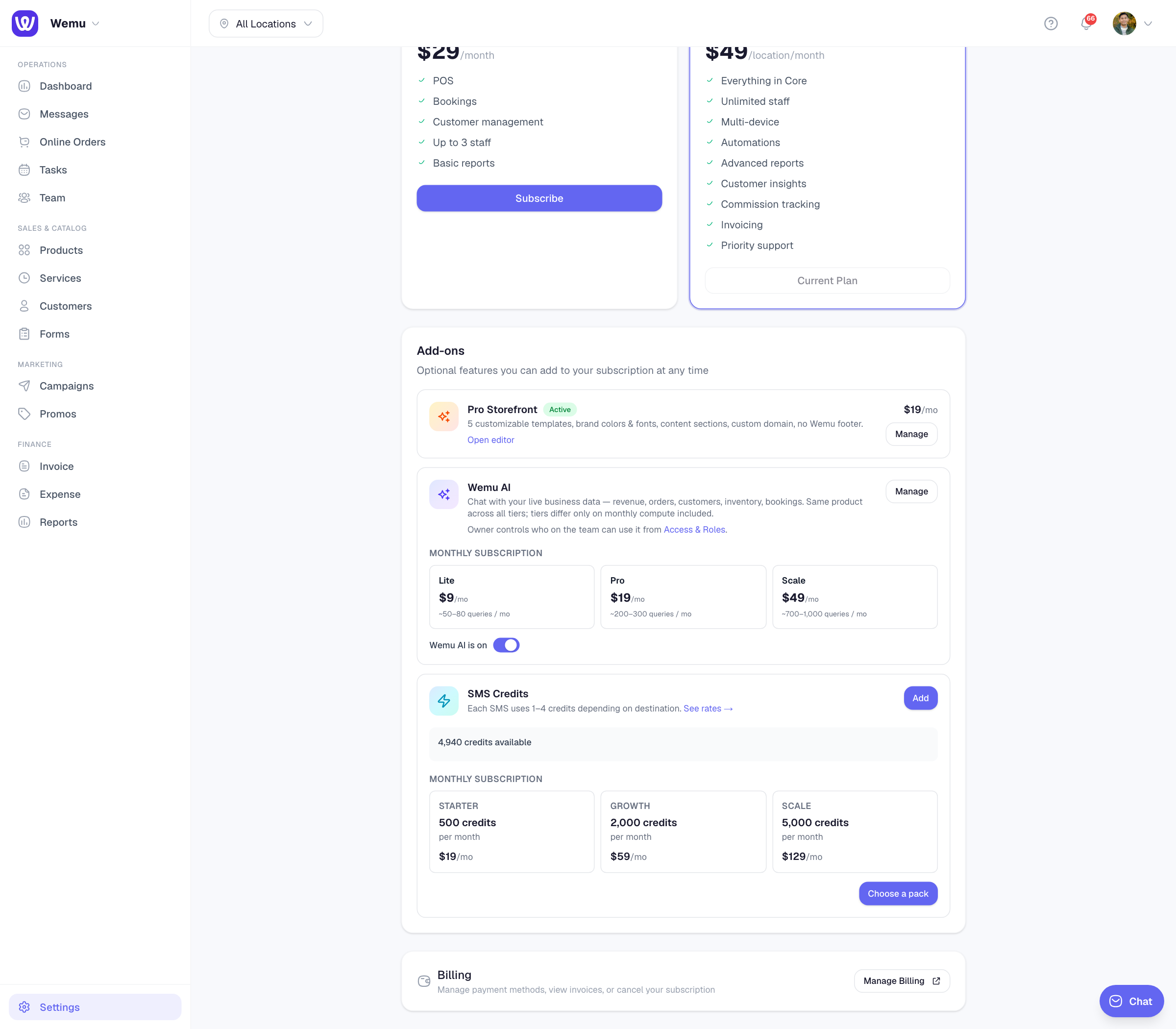
Billing & Subscription

Payment methods

Update credit card and billing information

Managing payment methods

Your payment method is the credit or debit card used to pay for your Wemu subscription. You can update it at any time through the billing settings.

📍

Navigate to: Settings → Subscription → Payment Method

Viewing your current payment method

  1. Go to Settings > Billing
  2. Under Payment Method, you'll see the card type and last four digits
  3. The billing address associated with the card is also shown

Updating your card

To change or update your payment method:

  1. Go to Settings > Billing
  2. Tap Update Payment Method
  3. Enter the new card details
  4. Confirm

The new card will be charged on the next billing date. Your subscription continues uninterrupted.

📸

Screenshot: The Stripe payment method update form with card details

The Stripe payment method update form with card details

Accepted payment methods

Wemu accepts:

  • Visa
  • Mastercard
  • American Express
  • Other major credit and debit cards

Billing address

Your billing address should match the address associated with your payment card. To update it:

  1. Go to Settings > Billing
  2. Tap Billing Address
  3. Enter the updated address
  4. Save

Failed payments

If a payment fails (expired card, insufficient funds, etc.):

  1. Wemu sends you a notification about the failed payment
  2. You'll have a grace period to update your payment method
  3. Wemu retries the payment after a few days
  4. If payment continues to fail, your account may be downgraded

To avoid interruptions, make sure your card is current and has sufficient funds.

Invoices and receipts

Wemu sends a receipt to your email after each successful payment. You can also view all past invoices:

  1. Go to Settings > Billing > Invoice History
  2. See a list of all payments
  3. Tap any invoice to view or download the PDF receipt

Tip: If you use a business credit card for your subscription, set a calendar reminder a month before the card expires. Updating it proactively prevents any service interruption from failed payments.

Billing questions

For billing questions or disputes, contact our support team at [email protected]. Include your account name and the invoice number in question for the fastest resolution.

Was this article helpful?

Still need help?

Our support team is available Monday to Friday, 9am to 6pm EST.