Two ways to surface a promo
Storefront banner
Show a promo banner at the top of your public storefront (`/p/yourslug`). Customers see the offer the moment they land. They can tap to copy the code to clipboard.
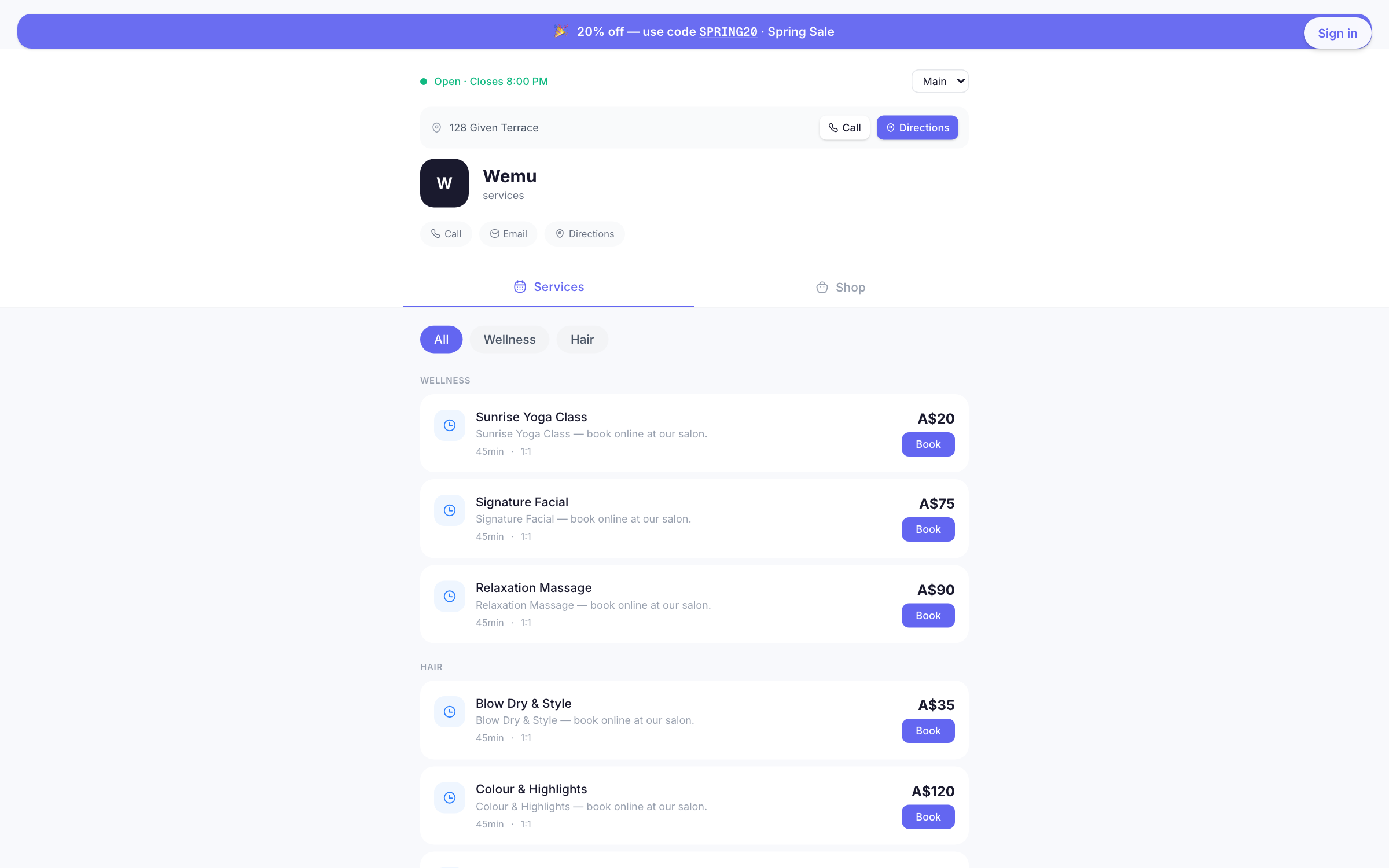
To enable: Promo edit form → Display → check "Show banner on public storefront".
Multiple active banners stack vertically. The banner uses your storefront's brand color.
Auto-apply at checkout
Apply the promo automatically when the customer reaches checkout — no code entry required. The customer sees the discount on the price breakdown without doing anything.
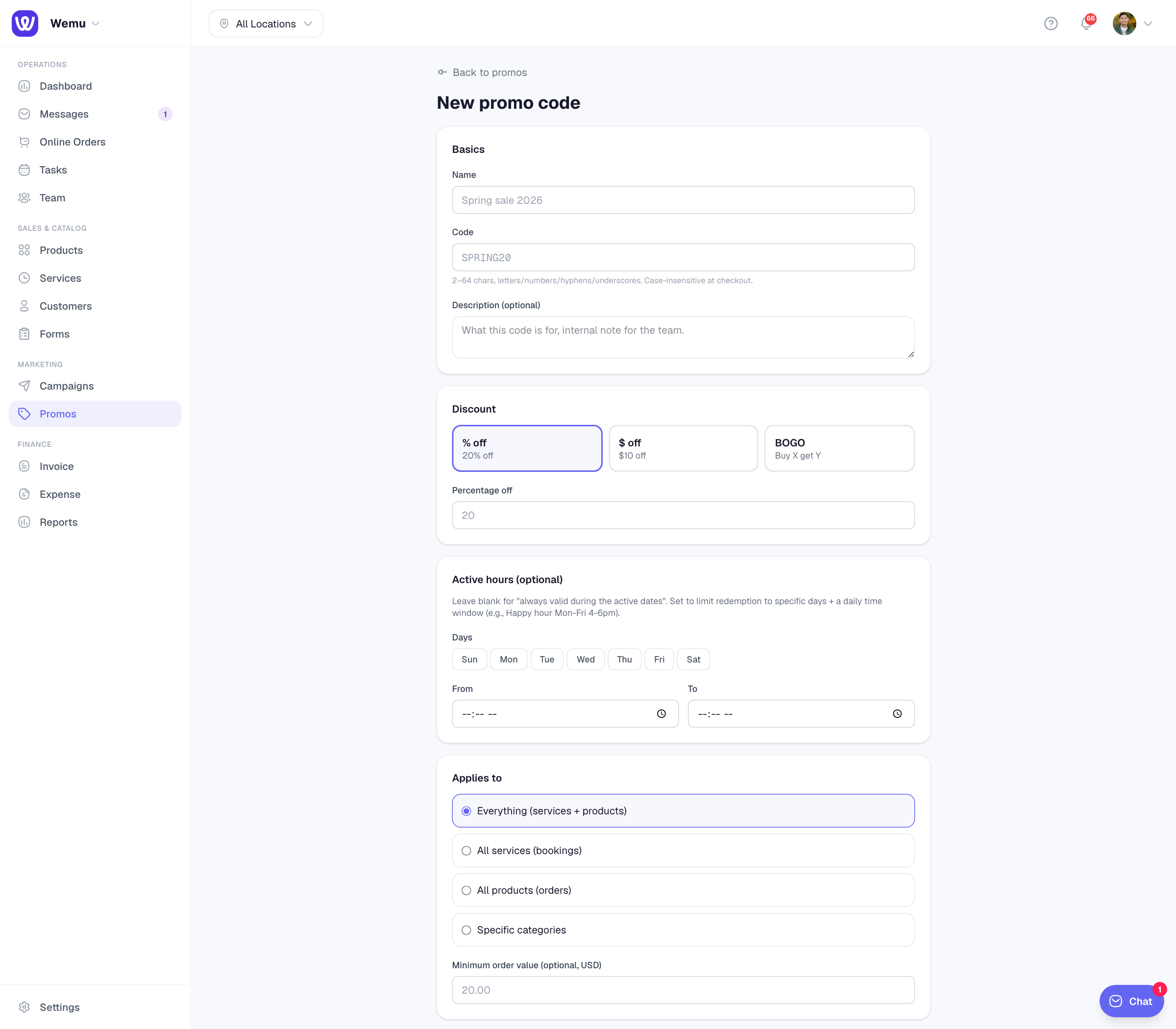
To enable: Promo edit form → Display → check "Auto-apply at checkout".
How auto-apply picks the best promo
If you have multiple auto-apply promos, Wemu evaluates each one against the customer's cart and picks the largest discount that qualifies. The customer is never charged the wrong amount because of overlapping promos.
Codes the customer types always take priority over auto-apply. So a customer can override a smaller auto-apply with a bigger code-based promo if they have one.
When to use which
- Banner — broad awareness, low-friction discovery, customer still chooses to use it
- Auto-apply — silent benefit (e.g., loyalty members always get 10% off without remembering a code)
- Both — banner advertises the discount, auto-apply ensures every cart benefits even if customer doesn't see the banner
- Neither — code-only promos for SMS campaigns or one-on-one personal codes (e.g., influencer / partner codes)
Code interaction with limits
Auto-applied promos still respect:
- Audience filters (new / returning / VIP / etc.)
- Per-customer use limits
- Total use limits
- Min order value
- Date + time-window restrictions
So you can safely set up a "1 use per customer" auto-apply promo and trust that each customer gets it exactly once.