The date picker
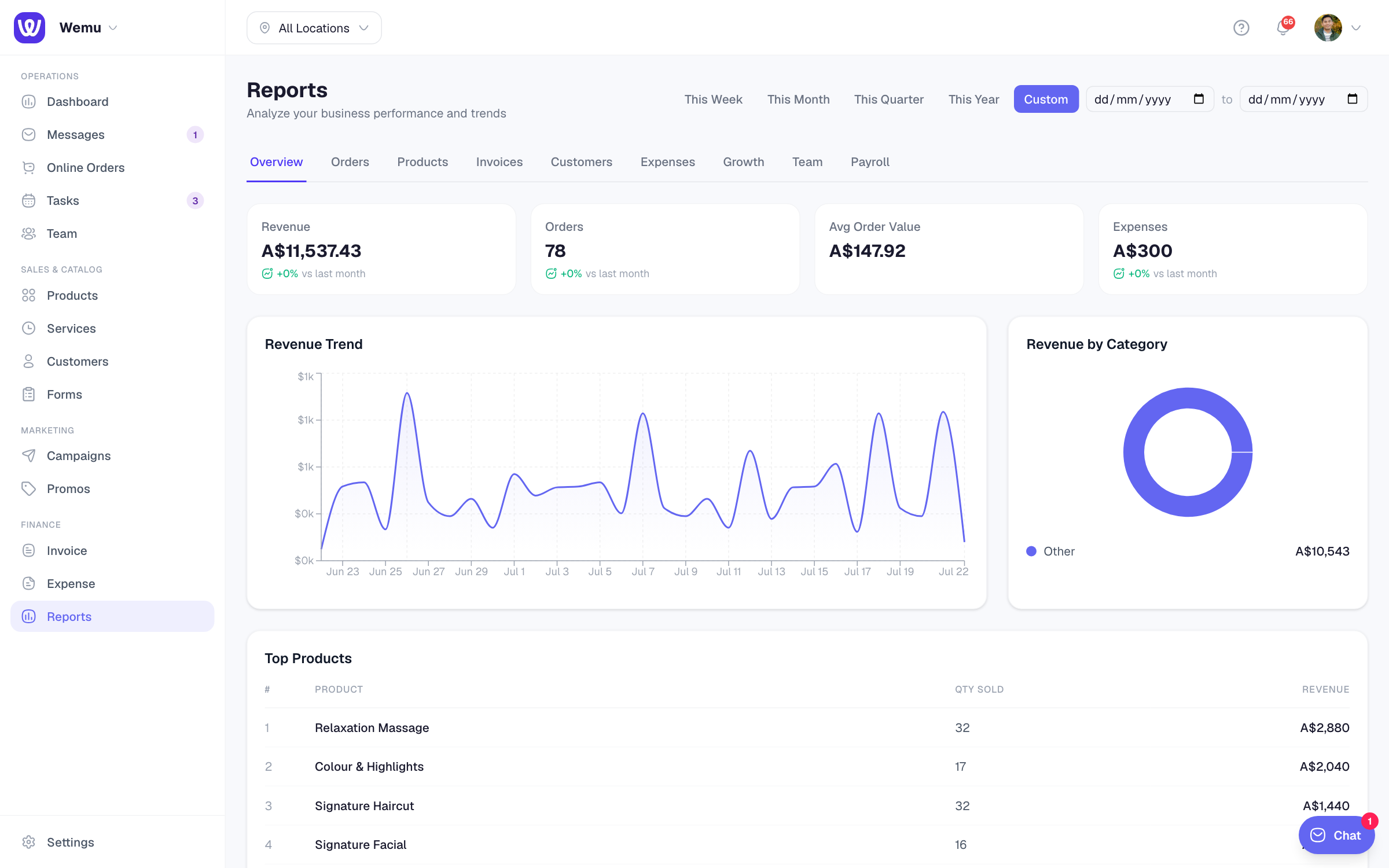
Every report has one date picker at the top of the Reports page. It applies to every tab and to the export menu.
Navigate to: Reports → date picker (top right)
- Choose Day, Week, Month, Quarter, Year or Custom
- Use the arrows to step back or forward one period. You can't step past the current one.
- Click the period's name, such as This week or a month, to jump straight to another period. Future periods are greyed out, and Back to today (or Back to the current week, month, quarter or year) brings you back.
- Weeks run Monday to Sunday.
Reports open on the current month.
Your own dates
- Press Custom
- Choose the start date in the first box and the end date in the second
- The report updates for those dates
The location matters too
The figures are for the location chosen in the location switcher at the top of the app. A few cards cover the whole business whatever you choose, such as Memberships, Vouchers & Credit Packs, and they say so.
Comparing two periods
There's no compare button. The Growth tab compares your period with the period of the same length just before it, so a 31-day range is compared with the 31 days before. To compare with the same time last year, look at each period in turn.
The dashboard has its own Day, Week, Month and Year picker, and its Key numbers show the change against the previous period.
Ideas for custom ranges
- Promotions: the days a promo ran against the same number of days before it
- Tax periods: your exact quarter or financial year
- Pay cycles: your fortnight, for commission and payroll
- Events: the week of an event against a normal week
Tip: Compare ranges with the same number of days, and with the same weekdays if your business is busier on weekends.