Why export data
While Wemu's built-in reports cover most needs, sometimes you need the raw data in a spreadsheet for your accountant, for custom analysis, or for sharing with partners who don't have Wemu access.
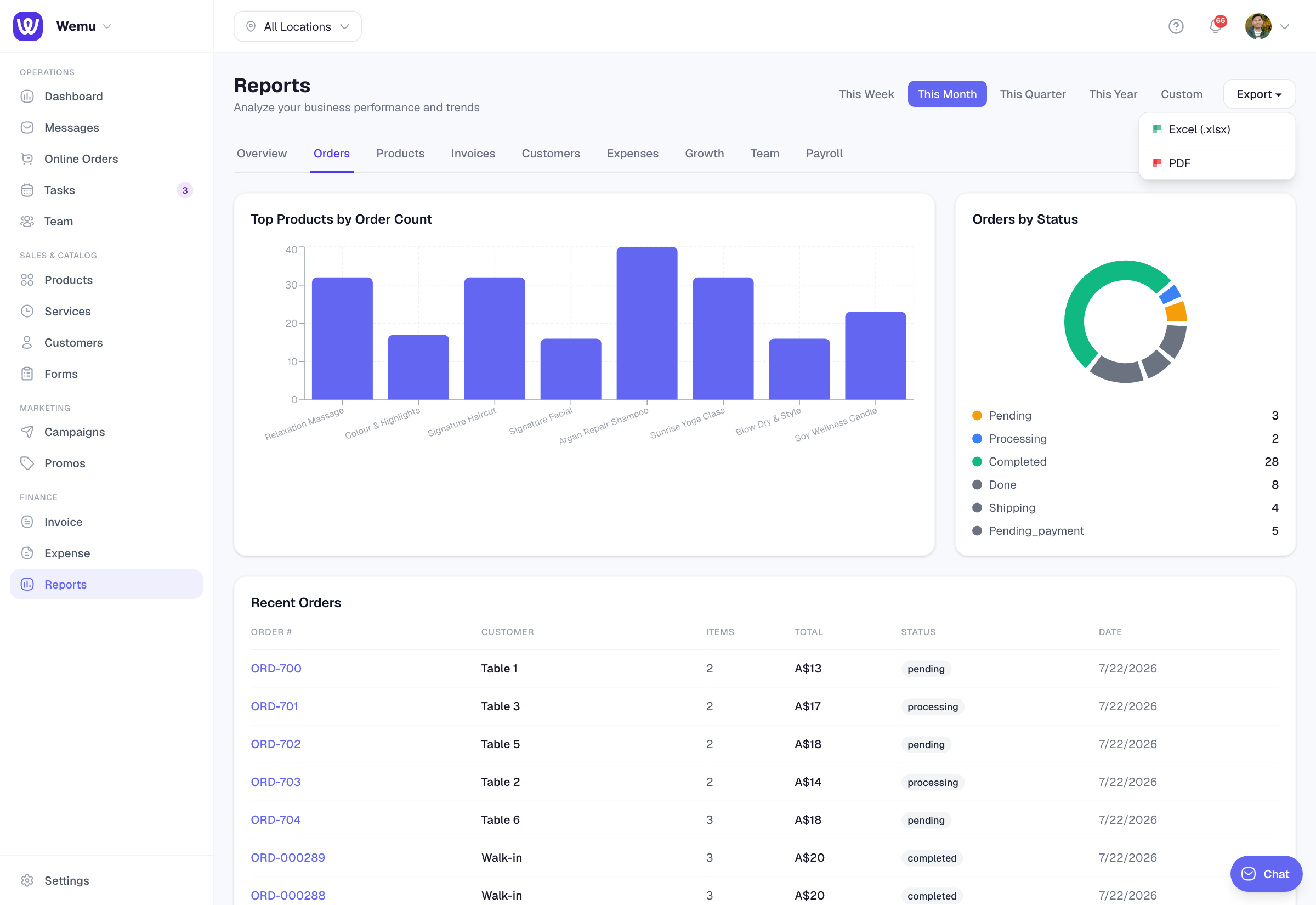
Navigate to: Sidebar → Reports → Any report → Export button
How to export
- Open any report in the Reports section
- Set your desired date range and filters
- Tap the Export button (usually in the top-right corner)
- Choose your format:
- CSV — For spreadsheets and data analysis
- PDF — For sharing and printing
- The file downloads to your device
CSV exports
CSV files open in any spreadsheet application (Excel, Google Sheets, Numbers). They contain:
- All data rows matching your current filters
- Column headers for each metric
- Raw numbers (no formatting) for easy calculation
CSV exports are best for:
- Custom calculations and pivot tables
- Importing into accounting software
- Data analysis in external tools
- Merging data from multiple sources
PDF exports
PDF exports are formatted, printable reports that look professional. They include:
- Charts and visualizations
- Summary metrics
- Your business branding
- The date range and filters applied
PDF exports are best for:
- Sharing with partners or stakeholders
- Filing for records
- Printing physical copies
- Presenting at meetings
What can be exported
You can export from:
- Revenue and sales reports
- Expense reports
- Team performance reports
- Invoice lists
- Order history
- Booking history
- Inventory reports
Tip: Set up a monthly export routine. At the end of each month, export your revenue report, expense report, and team performance report as CSV files. Send them to your accountant or file them for tax time. This 5-minute habit saves hours of scrambling later.
Data privacy
Exported files may contain sensitive business and customer information. Handle them securely — don't share via unsecured channels, and delete old exports you no longer need.