What buffer time is
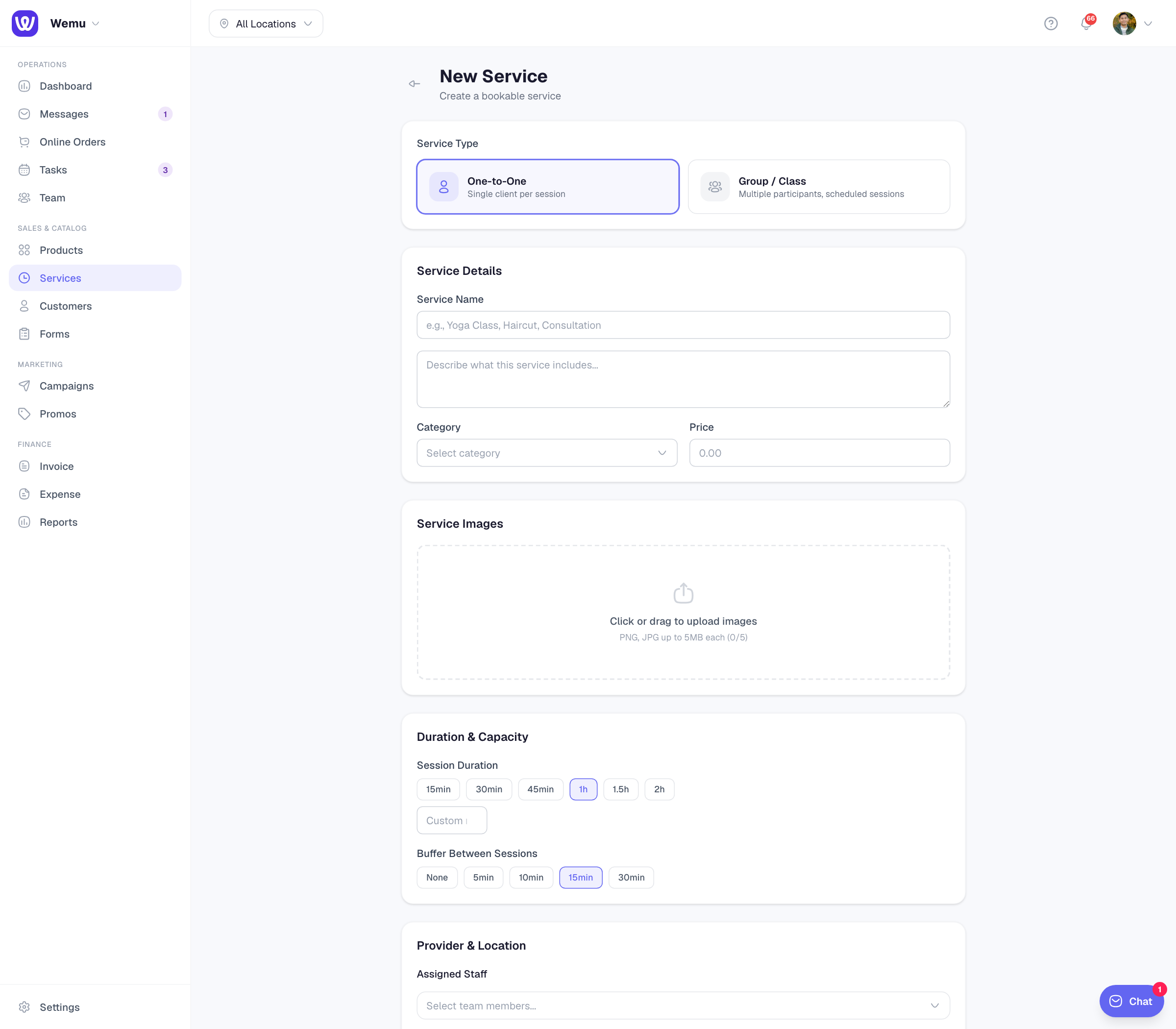
Buffer time is a gap Wemu keeps free after an appointment, for cleaning up, resetting the room or catching up if it ran over. Customers don't see it: a 60-minute service with a 15-minute buffer still shows as 60 minutes online.
📍
Navigate to: Sidebar → Services → open a service → Edit → Duration & Capacity
Setting it
- Under Buffer Between Sessions, choose None, 5min, 10min, 15min or 30min
- Press Update Service
New services start with 15 minutes. Each service has its own buffer, and it always comes after the appointment.
How it affects booking times
- The next online booking for the same person can't start until the buffer has passed.
- The appointment has to finish within the person's shift or opening hours. The buffer can run past closing time.
- When a customer books several services in one visit, the longest buffer of those services is added once, at the end of the visit.
- Classes run at the times in their schedule, so the buffer doesn't move them.
Buffer, processing time and cleanup minutes
- Processing Time is the opposite of a buffer: minutes at the end of a treatment when the client is processing and you're free to start someone else. See Service timing.
- Cleanup minutes on a resource keep a room or machine free after each use. See Setting up resources.
Good to know
- There's no buffer before an appointment, only after.
- The Buffer Time setting under Settings → Storefront → Bookings isn't applied to booking times yet. The buffer on each service is the one that counts.
- When you edit a service whose buffer is None, the form shows 15min. Choose None again before you press Update Service.
Tip: Start with 10 to 15 minutes for most services, then adjust once you see how your days run.