Why assign several people
When more than one person can do a service, customers can choose who they see, and the work spreads across your team.
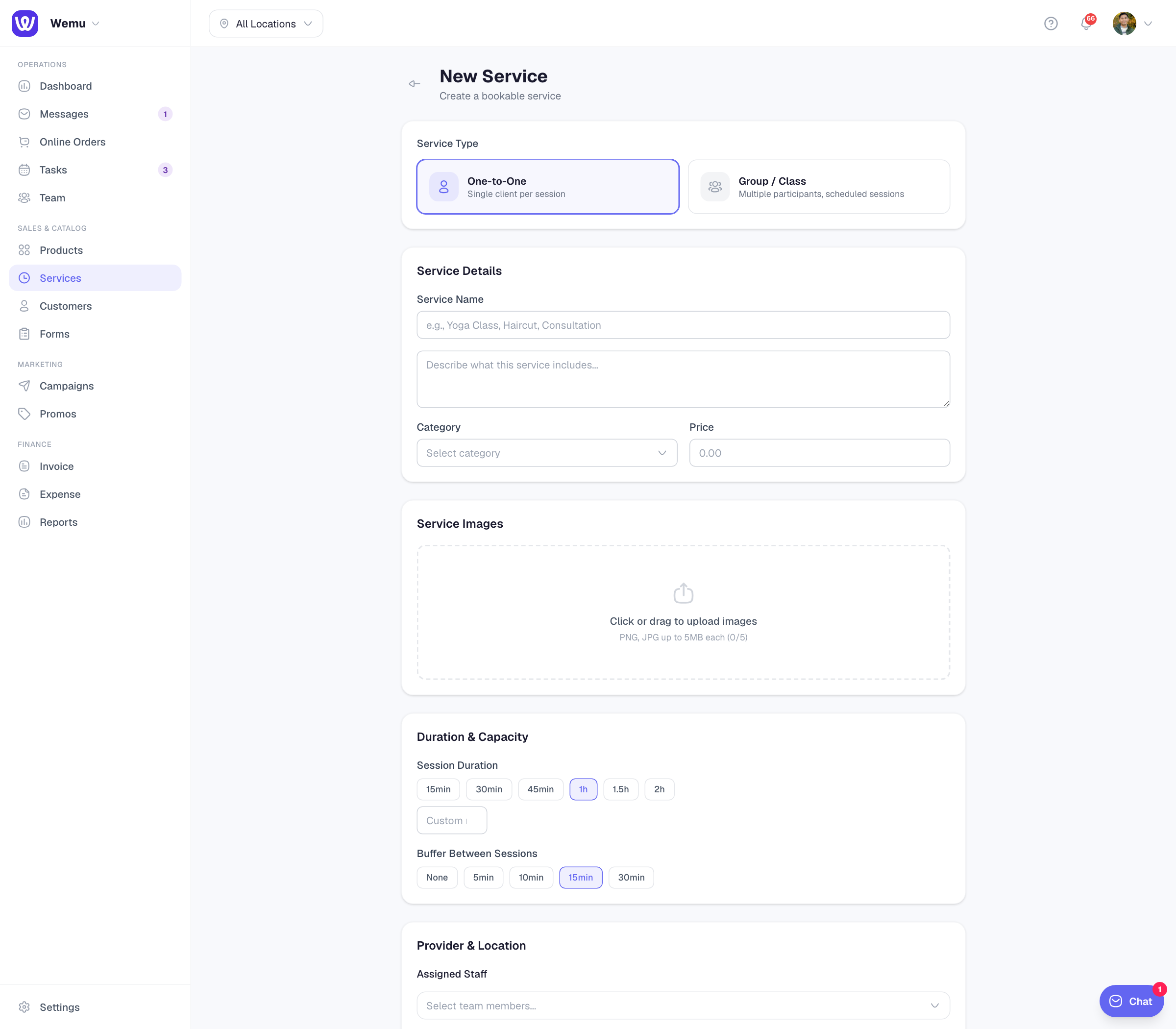
Navigate to: Sidebar → Services → open a service → Edit → Provider & Location
Choosing who performs a service
- Under Assigned Staff, press Select team members... and pick a person
- Press Add another... to add more
- To remove someone, press the × on their name
- Press Update Service
Existing bookings keep the person they were booked with.
How customers choose
When a customer books on your public page, they see:
- Any available, at the top of the list. Wemu gives the booking to the assigned person who's free and has the least booked that day. If nobody qualifies, the booking comes in unassigned for you to place.
- Each assigned team member, with their star rating once they have reviews
To stop customers choosing, switch off Let customers choose a staff member in Settings → Storefront → Bookings. Every booking then goes in as Any available, and Wemu assigns it as above.
How availability works
When a customer picks a team member, online booking offers times from that person's rostered shifts, or the branch's opening hours if they have no shift that day. With Any available, times come from your opening hours, and Wemu then assigns someone who's free. A person isn't offered when they're already booked or on approved leave, and people who are no longer active on your team don't count. See Creating shift schedules and Staff leave.
When a customer books two services in one visit, each service can go to a different person, such as a cut with one stylist and the colour with another.
Pricing
A service has one price, whoever performs it. If price depends on the person, create a separate service for each level and assign the right people to each.
Tip: Most customers care more about a good time than a particular person. Keep Any available on so your calendar fills evenly.