What a group class is
A class is a service several customers book at the same time, such as yoga, a workshop or a group training session. Each customer books a place, and the class fills up to the number you set.
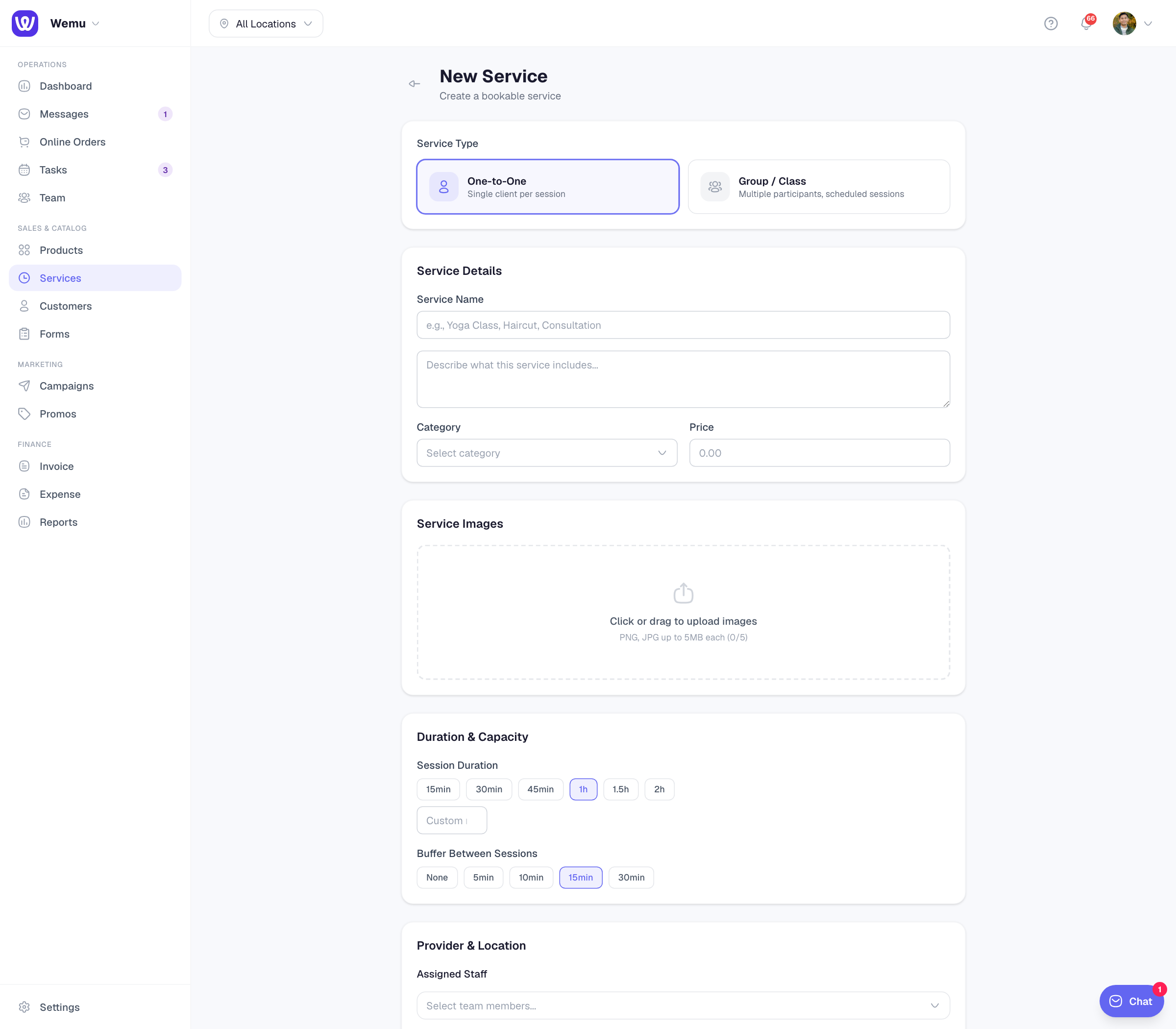
Navigate to: Sidebar → Services → Add Service → Group / Class
Creating a class
- Under Service Type, choose Group / Class
- Enter the Service Name, a description, a Category and the Price, which is what each person pays
- Choose the Session Duration
- Set Max Participants: the most people who can book one class (at least 2; new classes start at 10)
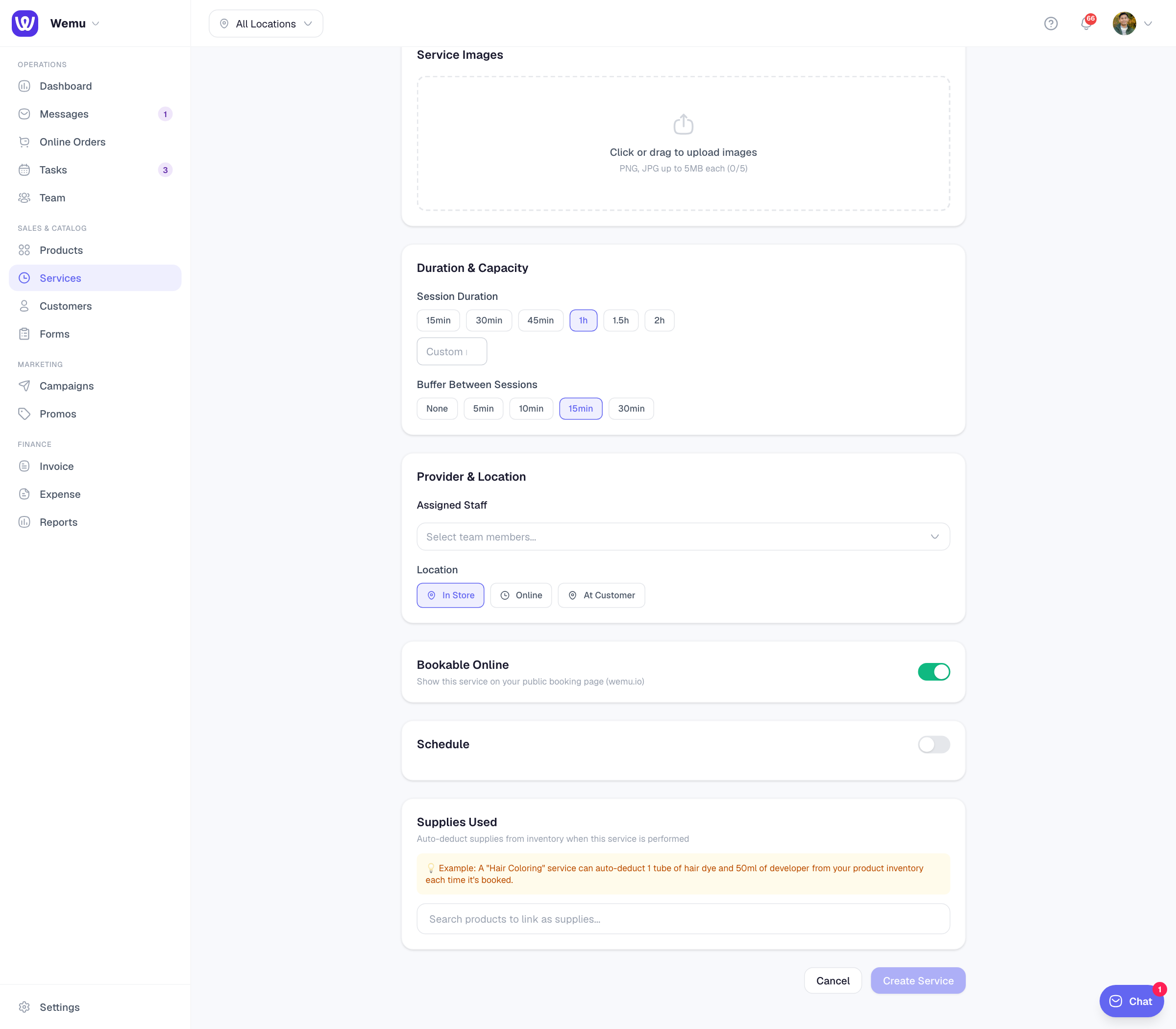
- Under Assigned Staff, add the instructor
- Leave Bookable Online on so customers can book from your public page
- Switch on Schedule and set when the class runs. See Class schedules.
- Press Create Service
How customers book
On your public page, a class shows its Upcoming classes for the next 7 days. Customers pick one and book. They don't choose a staff member for a class.
When a class is full, the customer is offered the waitlist. If someone cancels, the first person waiting gets a text with a link and has 30 minutes to claim the place before it goes to the next person.
On the day
Each class appears in Tasks as a class session. Open it to see everyone booked, check people in as they arrive, add a walk-in, and manage the waitlist. See Participant check-in.
Good to know
- Deposits for flagged customers apply to one-to-one appointments, not classes. See No-shows, customer flags and deposits.
- Class bookings don't come with a Manage booking link, because a class is shared by everyone in it. Customers who need to cancel get in touch with you instead.
- There's no minimum number of participants; a class runs however many people book.
Tip: If a class keeps filling up, add another time to its schedule. If one is often half empty, move it to a busier time.