What are timesheets
Timesheets track when team members clock in and out. Wemu uses PIN-based authentication so each person's hours are recorded accurately without shared logins.
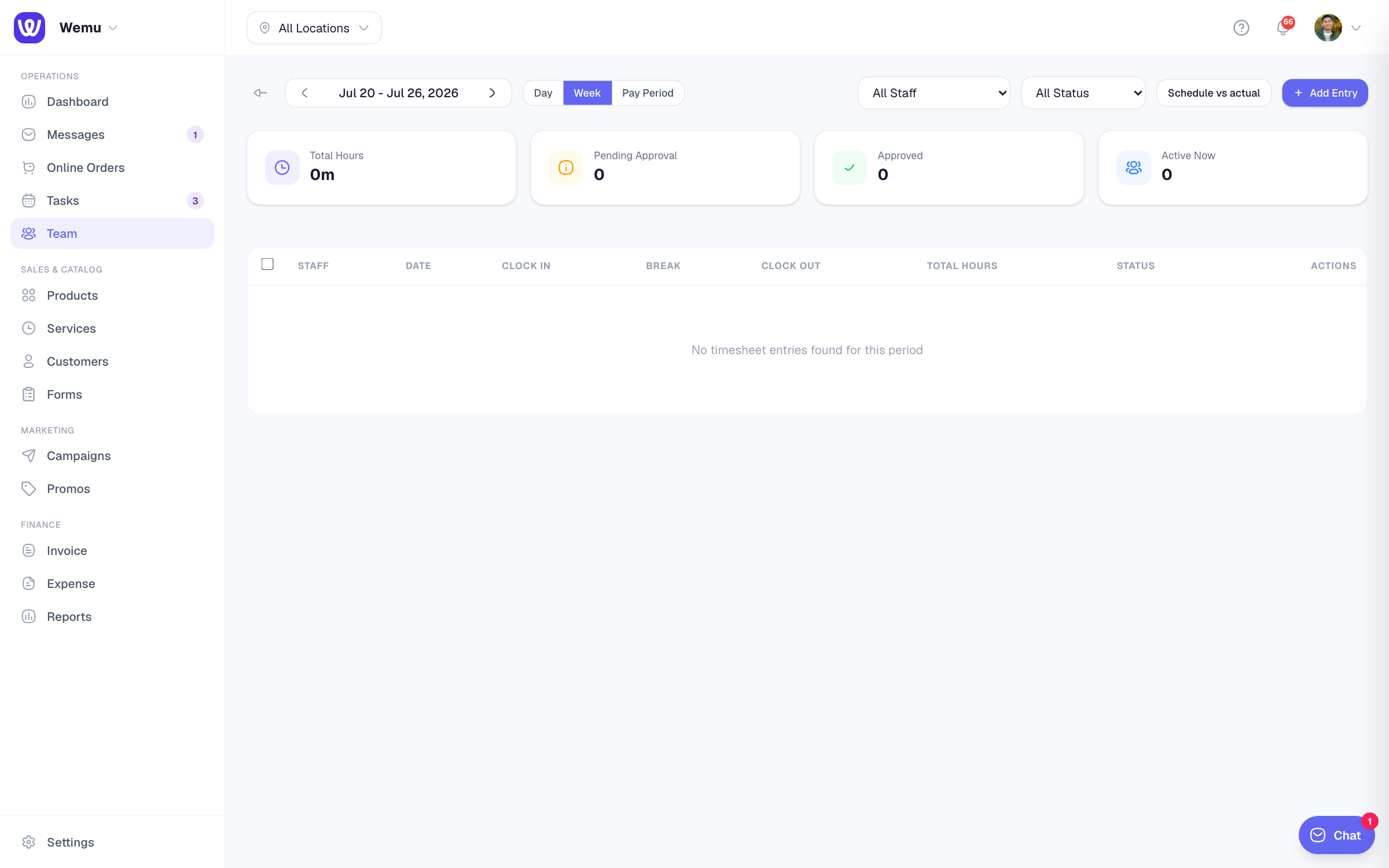
Navigate to: Sidebar → Team → Timesheets tab
How clock-in works
- On the main screen, team members tap the Clock In button
- They enter their personal PIN code
- Wemu records the time and marks them as active
- When their shift is done, they tap Clock Out and enter their PIN again
Viewing timesheets
As a manager or admin:
- Go to Team > Timesheets
- Select a date range (today, this week, this month, or custom)
- See all clock-in and clock-out entries for each team member
- View total hours worked per person
Editing timesheets
Sometimes a team member forgets to clock in or out. Managers can manually adjust entries:
- Find the entry you need to fix
- Tap to edit
- Update the clock-in or clock-out time
- Add a note explaining the change (e.g., "Forgot to clock out")
- Save
Break time tracking
Wemu supports break tracking within a shift. Team members can clock out for a break and clock back in when they return. Break time is subtracted from total worked hours.
Overtime calculation
Wemu calculates regular hours and overtime based on your configured workday settings. If a team member works more than the standard hours (e.g., 8 hours), the excess is flagged as overtime.
Tip: Encourage your team to clock in and out consistently. The data is only as good as the inputs. If people routinely forget, consider adding a clock-in reminder to their shift start.
Exporting timesheet data
You can export timesheets as a report for payroll processing:
- Go to Team > Timesheets
- Select the pay period date range
- Tap Export
- Download the report as CSV or PDF
This makes payroll preparation much simpler since all hours are already tracked and totaled.