What the Team app is
Wemu Team is a free app for your staff, separate from Wemu POS. It puts each person's chat, tasks, shifts and time off on their own phone. It runs on iPhone and Android phones.
Search for Wemu Team in the App Store or Google Play, or get it from the downloads page.
Time off, training lessons, talking to Wemu AI and the More menu need Wemu Team 1.3.0 (build 10) or later. If your app still has an Earnings tab, it doesn't have them yet.
Wemu POS vs Wemu Team: Wemu POS runs your counter. Wemu Team is each person's own app for their shifts, tasks and messages.
Signing in
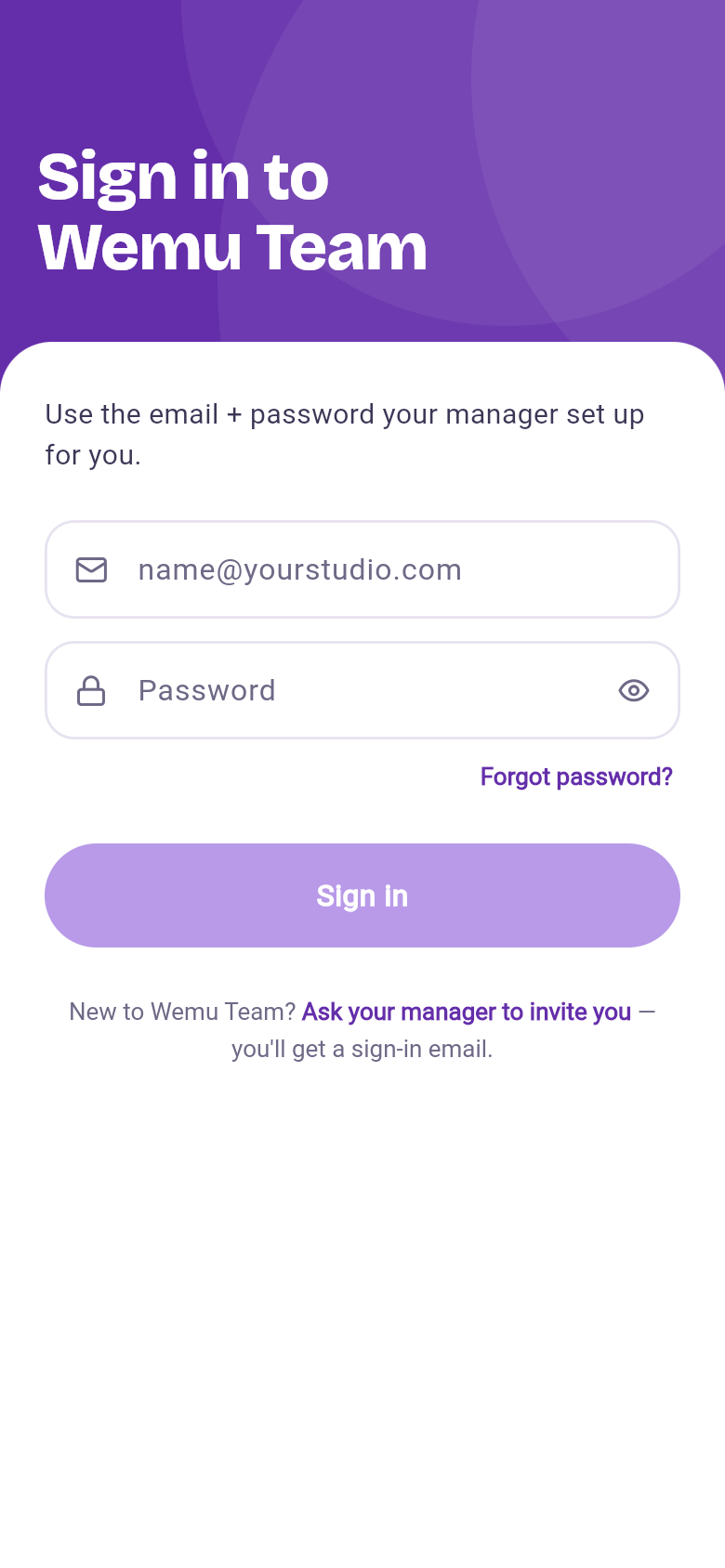
Team members sign in with their own email and password. When you add someone with an email, Wemu emails them a link to set their password, and the same login works on the web. If the email didn't arrive, open their page in Team, press Edit, then Send Invite.
Allow notifications when the app asks, so shift, task and message alerts come through.
The four tabs
- Chat: switch between Team (team channels and direct messages, with Wemu AI pinned at the top) and Customers (text conversations with customers). Start a conversation with the new message button.
- Tasks: what's assigned to you. Tick tasks off or create new ones, and they sync with the Tasks board on the web. Training lessons assigned to you open from their task.
- Shift: today's clock card, your rostered shifts, time off and shift swaps.
- More: Dashboard, Online orders, Quotes, Invoices, Purchase orders, Expenses and Reports, each shown only to people with access to that part of Wemu, plus Time off for everyone.
Clocking in and out
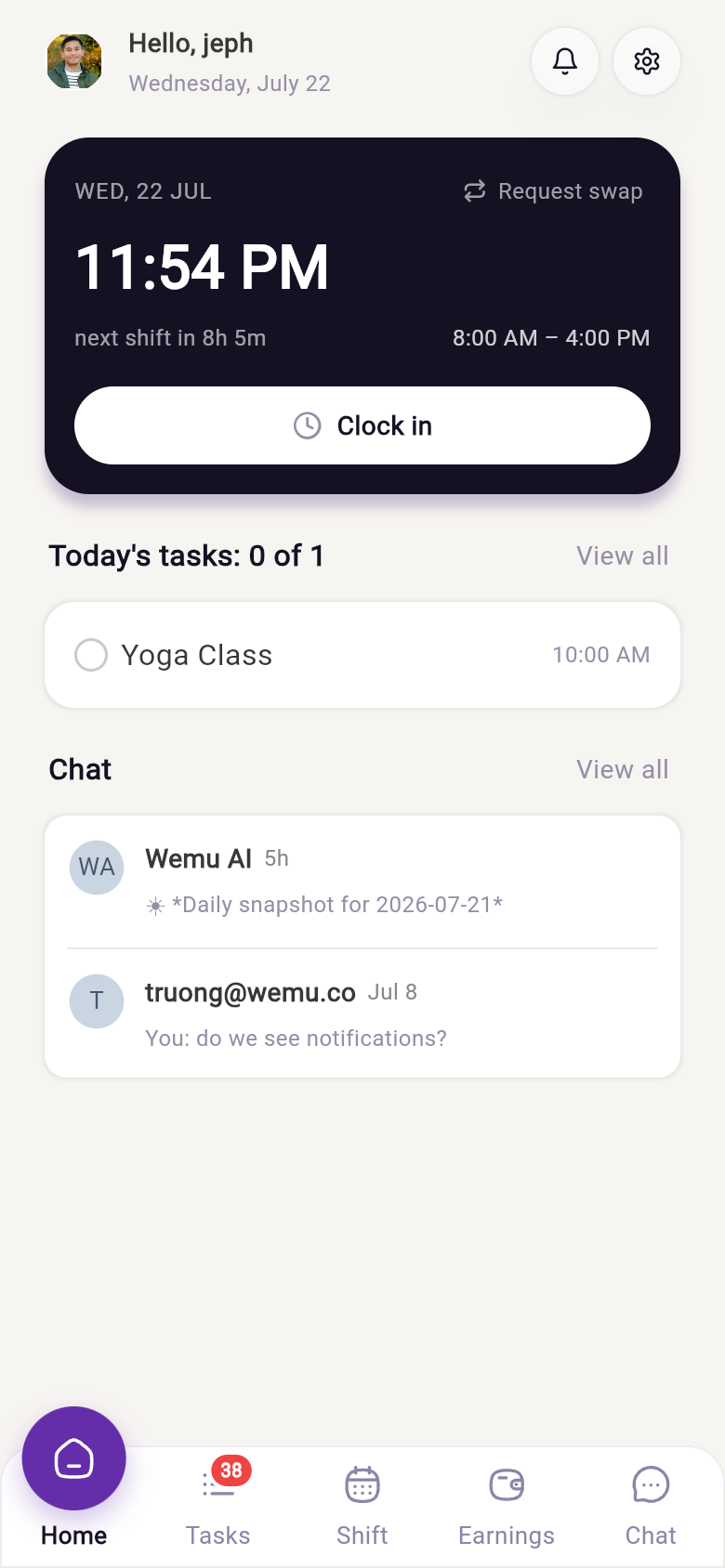
On the clock card, tap Clock in to start your shift, Start break and End break for breaks, and Clock out at the end. Your status (Clocked in, On break or Not clocked in) shows at the top of Chat. Hours go to your manager's timesheets; see Managing timesheets.
Shifts and swaps
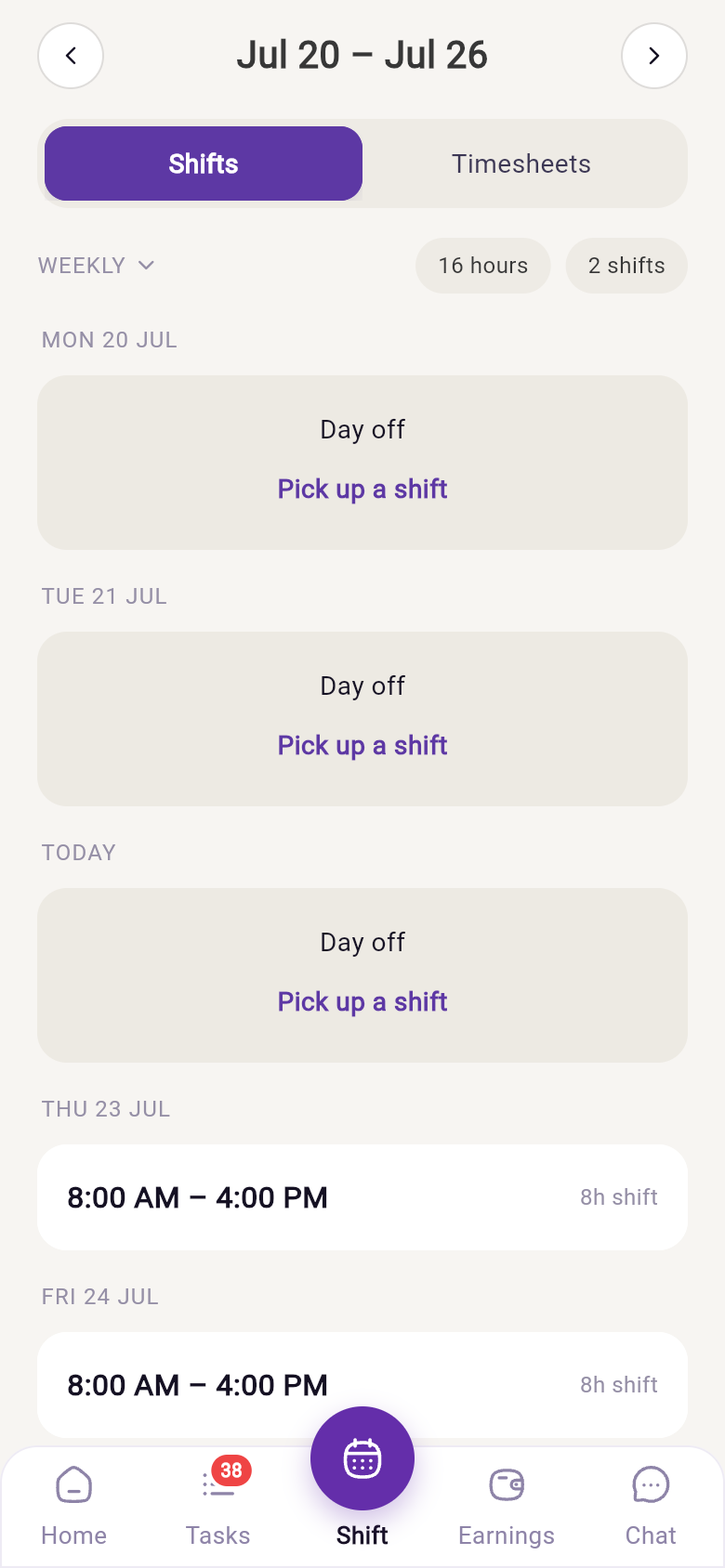
- Your shifts are the roster your manager builds on the web. See Creating shift schedules.
- Open a shift and tap Swap this shift to ask a teammate to swap, or Pick up a shift a teammate has offered.
Time off
Open Time off from the Shift tab, More or your profile. You can see your leave balances, tap Request time off for a day, a few days or part of a day, and follow each request as Waiting, Approved or Not approved. You can cancel a request too. See Staff leave.
Wemu AI
Open the Wemu AI conversation at the top of Chat to ask about the business by typing, or tap the mic to talk. It reads the same business data as Wemu AI on the web, and changes still need your role's permission. See Wemu AI.
Notifications
The app sends push notifications for new messages, tasks and bookings, shift and timesheet updates, shift swaps, and leave requests and decisions. Tapping one opens the right screen.
Your profile
Tap your photo at the top of Chat for your earnings summary, your details and password, notification settings and time off, and to sign out. If you work for more than one Wemu business, you can switch between them here.
For owners and managers
You run it all from the web, and your team acts on it in the app:
- Build rosters in Creating shift schedules
- Approve or decline time off and shift swaps
- Assign tasks and watch them get done
- Review hours in Managing timesheets