What are product variants
Variants let you offer the same product in different options — like size, color, or material — each with its own price and stock level. A t-shirt might have Small, Medium, and Large variants, each at a different price.
Navigate to: Sidebar → Products → Select Product → Variants section
Adding variants to a product
- Open a product or create a new one
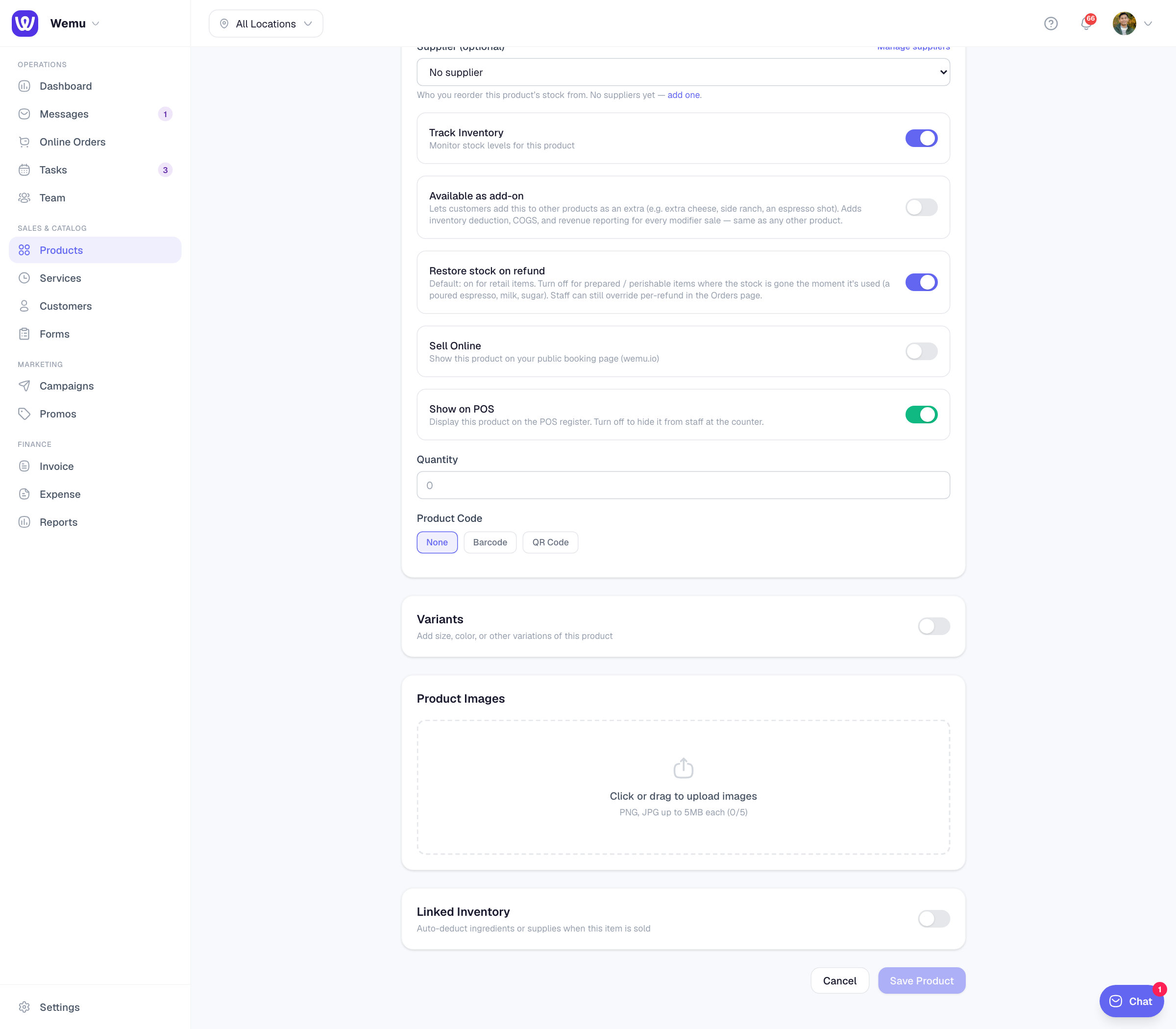
- Scroll down to the Variants section
- Tap + Add Variant
- Enter the variant name (e.g., "Small", "Red", "500ml")
- Set the variant's selling price and cost price
- If tracking inventory, set the stock quantity for this variant
- Add more variants as needed
- Save the product
Variant-specific pricing
Each variant can have its own selling price and cost price. For example:
- Small Coffee — $3.50
- Medium Coffee — $4.50
- Large Coffee — $5.50
This flexibility means you don't need to create separate products for each size or option.
Stock tracking per variant
When inventory tracking is enabled, each variant maintains its own stock count. If you sell out of Medium but still have Small and Large available, Wemu reflects that accurately.
Variant display on public profile
When customers browse your products on your public profile, they see a dropdown or option selector for each variant group. They pick their preferred option and the price updates accordingly.
Editing and removing variants
To edit a variant, open the product and tap the variant you want to change. You can update the name, price, or stock. To remove a variant, tap the delete icon next to it.
Tip: Keep variant names consistent across products. If you use "S / M / L" for one product, don't switch to "Small / Medium / Large" for another. Consistency makes your catalog easier to manage and looks more professional to customers.
Bulk pricing
If you want to offer the same product at different quantities (e.g., 1 for $5, 3 for $12), create variants with quantity-based names and pricing.