What the pill does
When a teammate (or your future self) leaves a comment on a task, the task card grows a small purple pill with the count of unread comments. Open the task and the pill disappears.
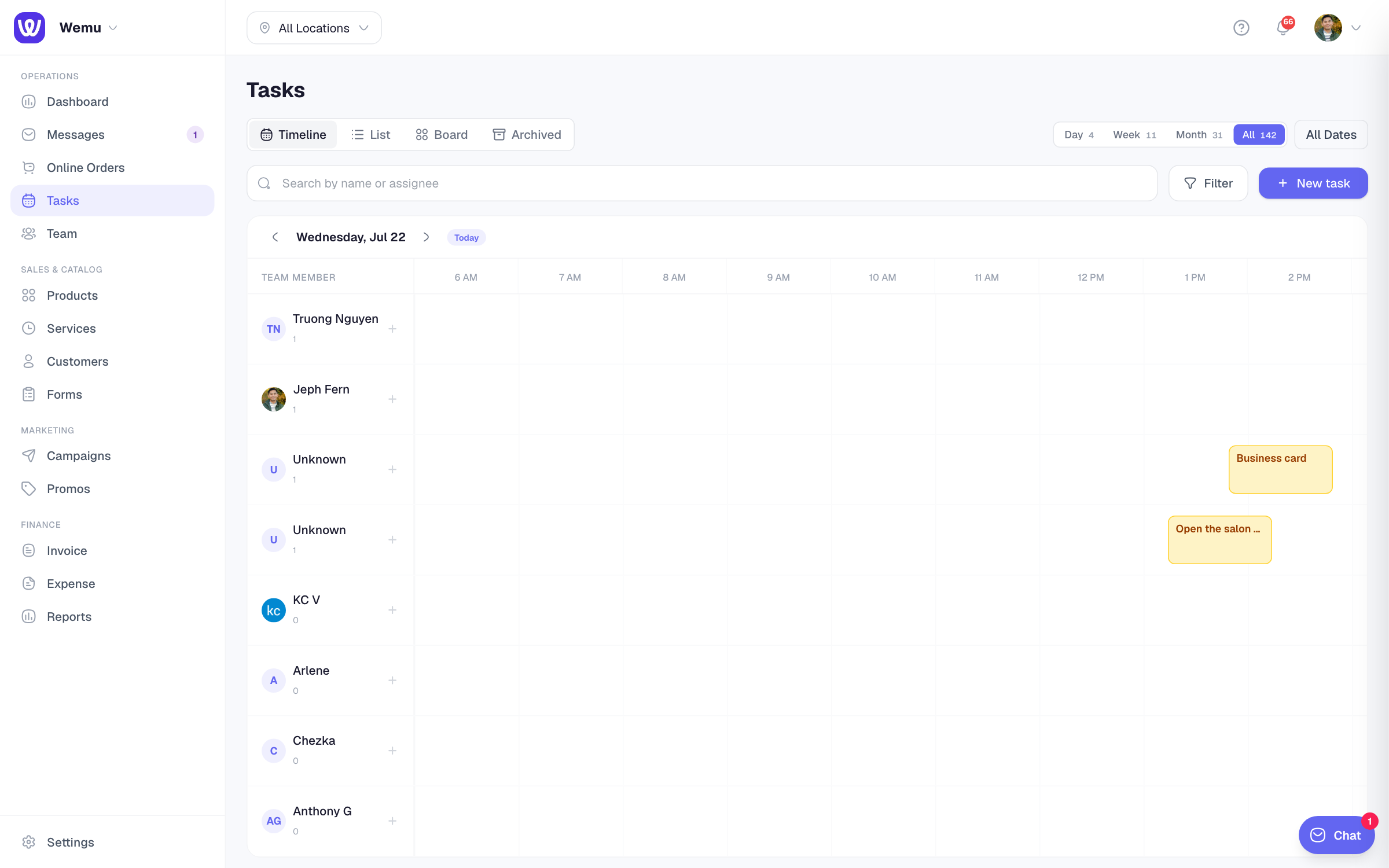
How "unread" is decided
Per-browser tracking via localStorage. Each time you open a task detail page, Wemu records the timestamp + comment count for that task. On the list page, each card compares its current state against your last-seen state. If new comments arrived since, the pill shows the count.
What counts vs what doesn't
| Event | Pill behavior |
|---|---|
| Someone adds a comment | ✅ Pill increments |
| You add a comment yourself | ✅ Counted (then cleared on detail open) |
| Status change (drag-drop, complete, etc.) | ❌ Not counted (intentional — your own actions don't pill yourself) |
| Subtask toggled | ❌ Not counted |
| Edit by you or anyone | ❌ Not counted |
This avoids the noise of "I just dropped this card into a new column, why am I getting a notification?"
First-visit behavior
The first time you load the task list in a new browser, no pills show even if tasks have many comments. Wemu seeds your "seen state" silently so you don't get flooded. From that moment forward, any new activity creates pills.
If you're using Wemu in a fresh browser or after clearing site data, you'll see no pills until new activity happens. That's intentional.
Clearing all pills
Pills clear individually as you open each task. There's no bulk "mark all read" yet — open the task to clear its pill.
Sidebar interaction
The Tasks item in the sidebar shows its own count pill for new tasks created since you last visited the page (different semantic from the per-task pill). Visiting /tasks clears the sidebar pill; opening a specific task clears its activity pill.