Hours for each branch
Each branch has its own weekly opening hours, so your downtown branch can open early for commuters while your mall store follows the mall's hours.
Navigate to: Settings → Branches → pencil icon
- Go to Settings → Branches
- Press the pencil icon on the branch
- Under Operating Hours, set the opening and closing time for each day, or tick Closed
- Press Save Changes
Click a branch to check the week you saved.
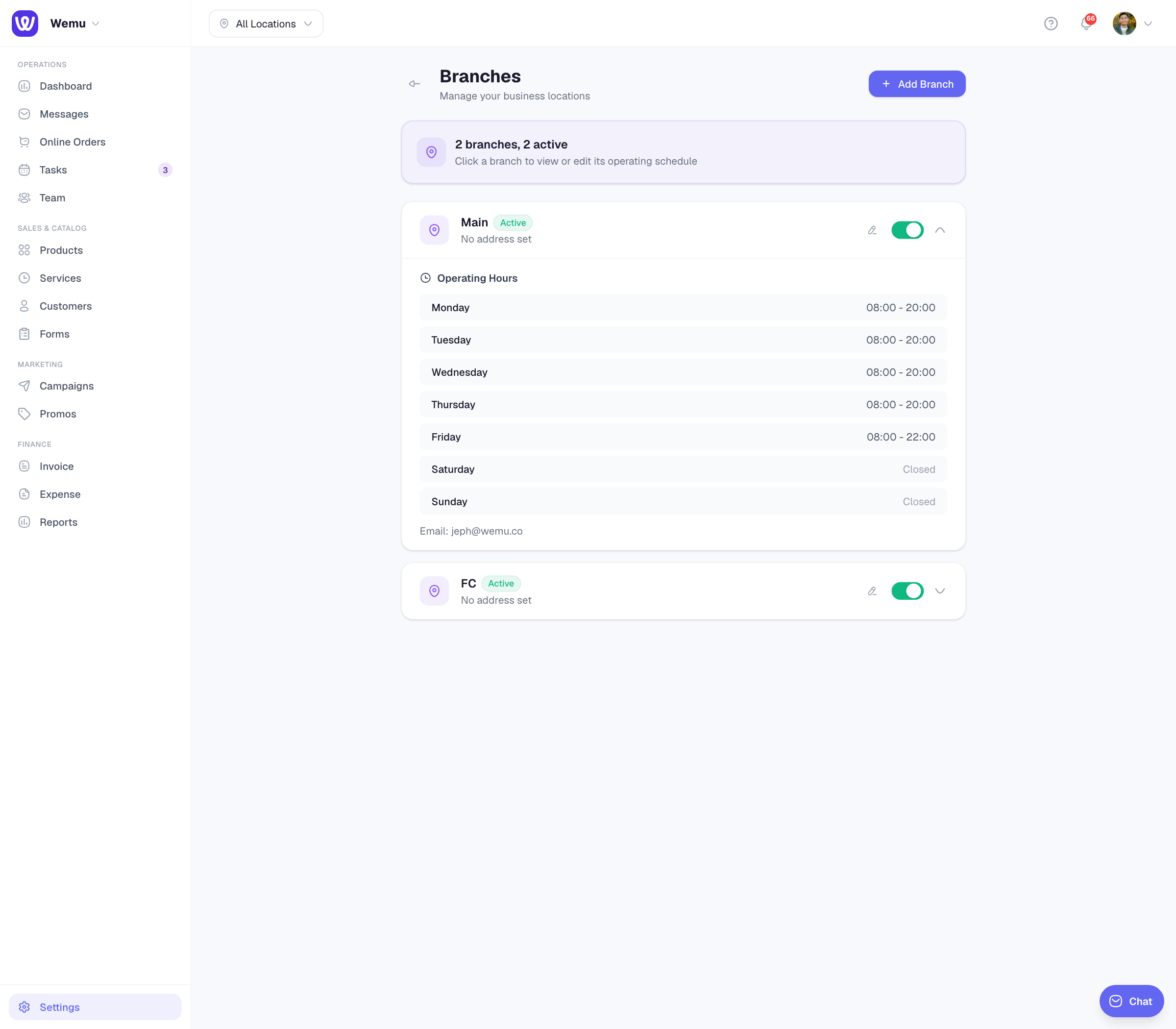
Each day has one opening time and one closing time. There are no lunch breaks or holiday exceptions; for a closure, see Managing open/closed status.
Where the hours are used
- Your public page shows the hours and the open or closed status of the location the customer is looking at.
- Online booking offers times from the shifts on your roster for the person the customer picked (with Any available, from your opening hours). Where there's no shift to go on, Wemu uses your opening hours, so a day marked Closed has no times. Until any branch has saved hours, online booking offers 9:00 AM to 6:00 PM on weekdays and 9:00 AM to 5:00 PM on Saturdays.
- Clock-out reminders: anyone still clocked in 30 minutes after their branch closes gets one email with a Clock out now button, if they have an email address in Wemu.
Rosters and opening hours
When a customer picks someone, that person's shifts decide when they can be booked, even outside your opening hours. Keep shifts inside the hours you're open, and roster someone for every time you want to take bookings. See Creating shift schedules.
Time zones
All branches use the time zone in Settings → Business Profile, and your booking page shows times in that time zone. Branches in different time zones aren't supported yet.
Tip: Review your hours each season, and update them ahead of holidays so your page and booking times stay right.